

JoomClock Style tab
Choose clock and calendar styles, the combined layout and the world clock.
This tab decides what the module shows.
Clock and Calendar switches
Clock and Calendar switch each part on or off.
- Turn the clock off to show only a calendar and/or a world clock.
- The calendar is off until you enable it.
- One-line clocks (Top bar, Footer) have no calendar, so the Calendar switch is hidden while one is chosen.
- Options that only affect the clock (seconds, date format, time zone label, analog parts) are hidden while the clock is off.
Clock style
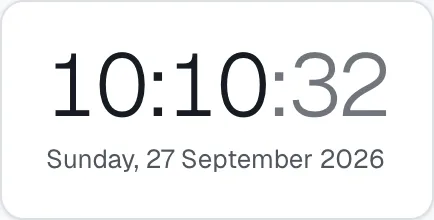
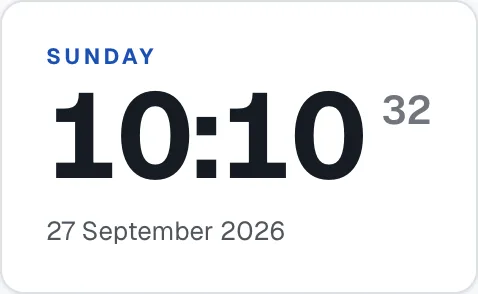
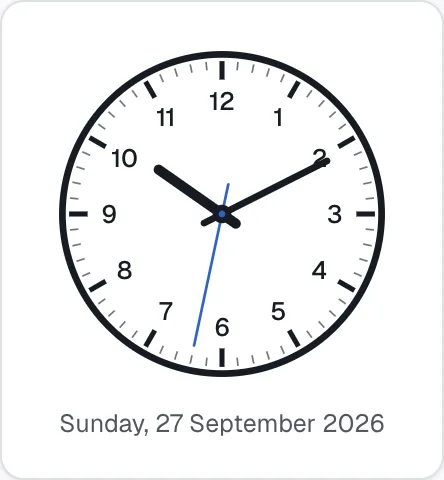
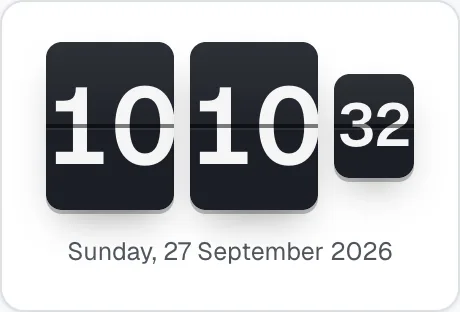
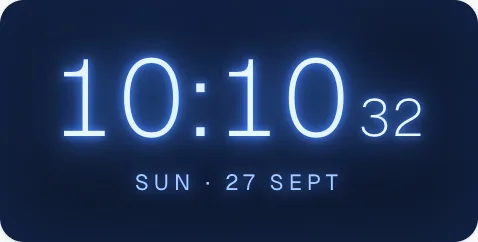
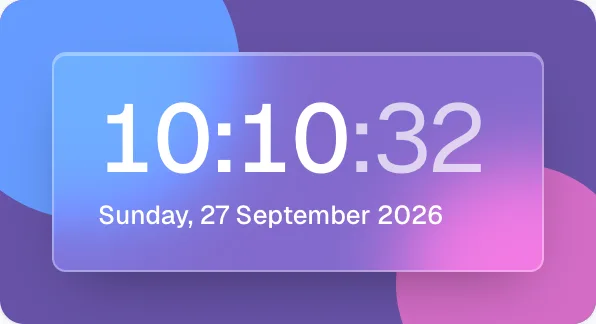
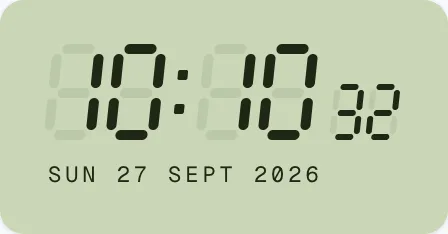
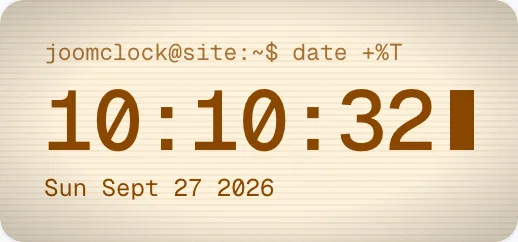
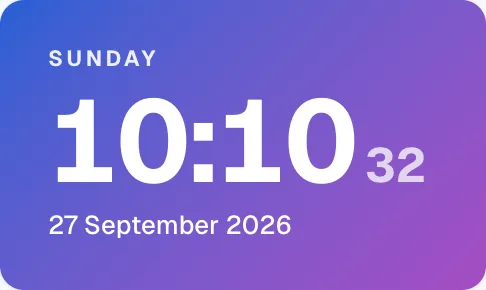
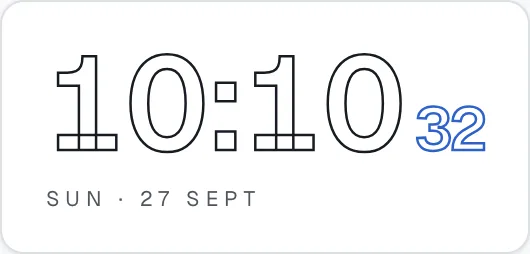
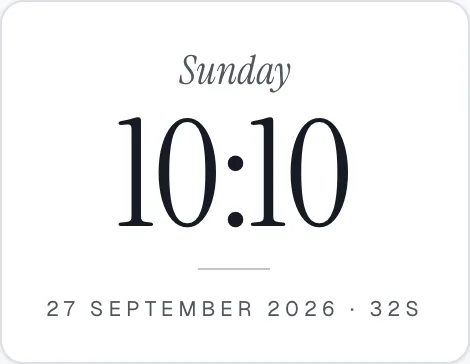
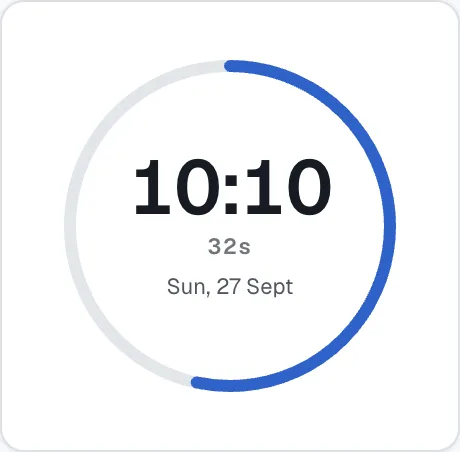
Pick a thumbnail. The thumbnails below are rendered by JoomClock itself.
Free
| Minimal | Classic Bold | Analog Classic |
|---|---|---|
 |
 |
 |
| Top bar line | Footer line |
|---|---|
 |
 |
Pro — digital
| Flip | Neon Glow | Glassmorphism |
|---|---|---|
 |
 |
 |
| LED Segment | Retro Terminal | Gradient Card |
|---|---|---|
 |
 |
 |
| Outlined | Elegant Serif | Progress Ring |
|---|---|---|
 |
 |
 |
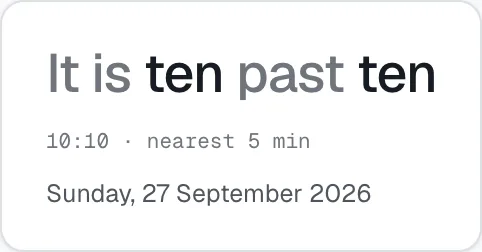
Word Clock
Pro — analog
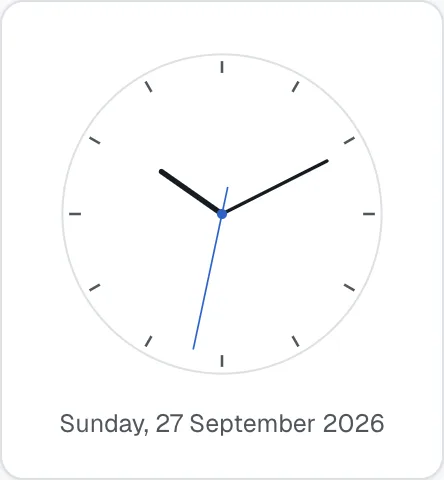
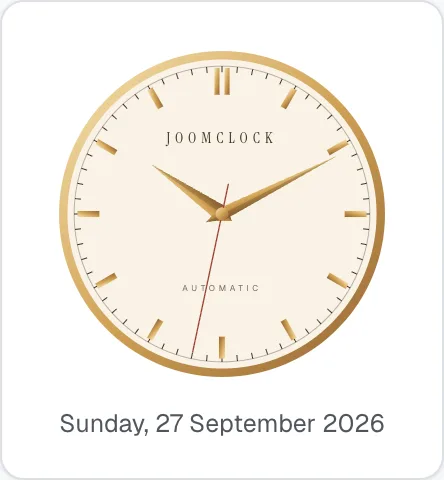
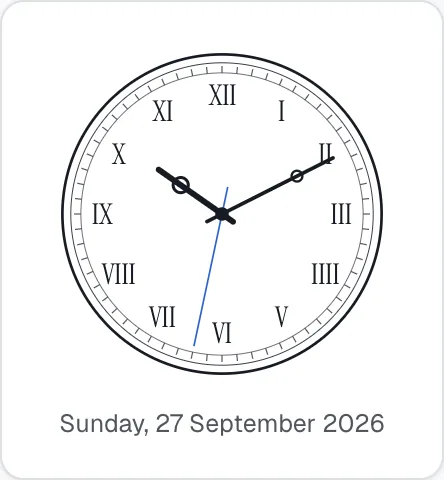
| Modern Minimal | Luxury | Roman Numerals |
|---|---|---|
 |
 |
 |
| Railway | Dots Only | Sport Dark |
|---|---|---|
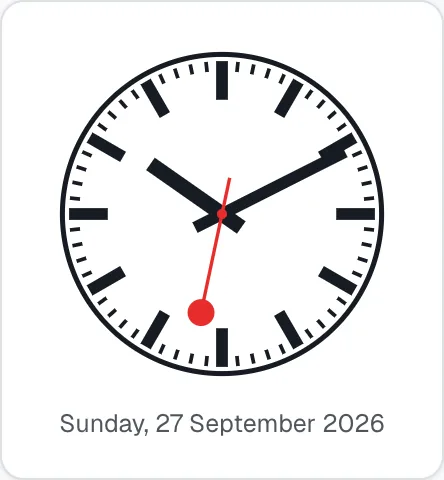 |
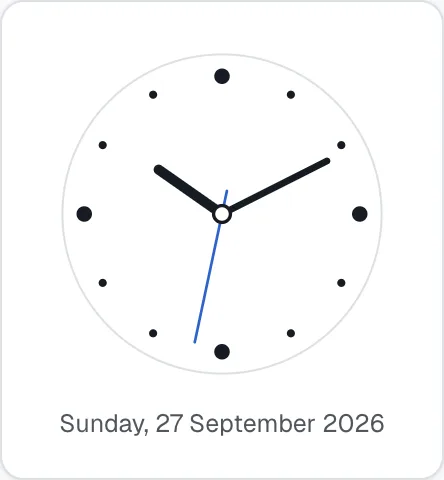 |
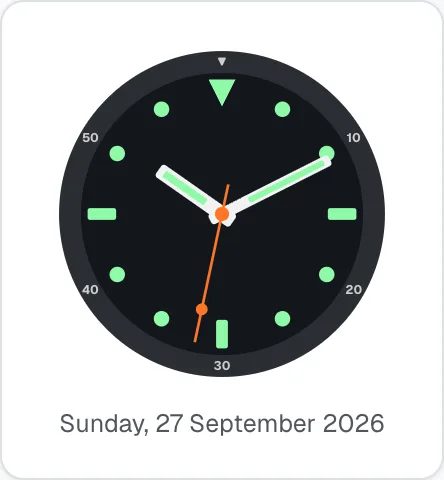 |
Skeleton
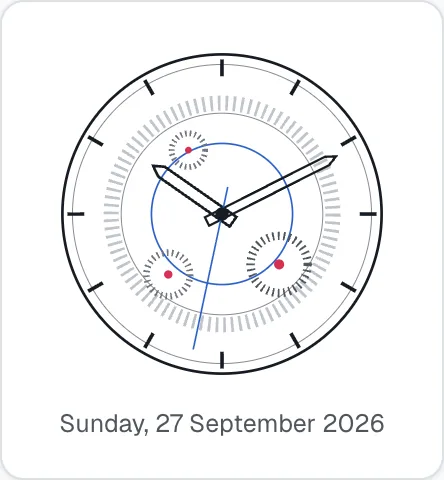
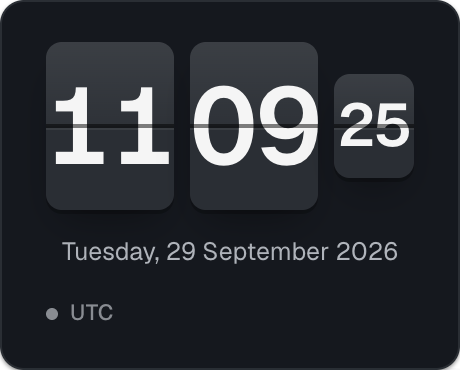
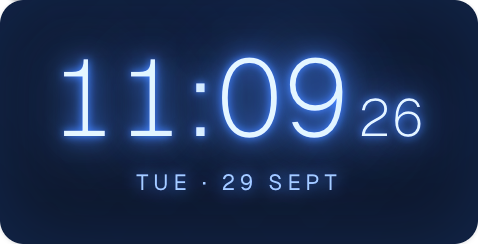
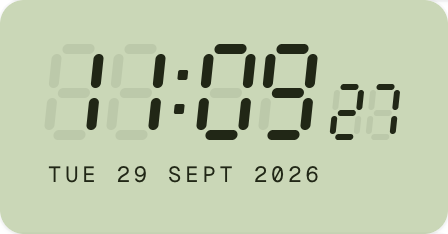
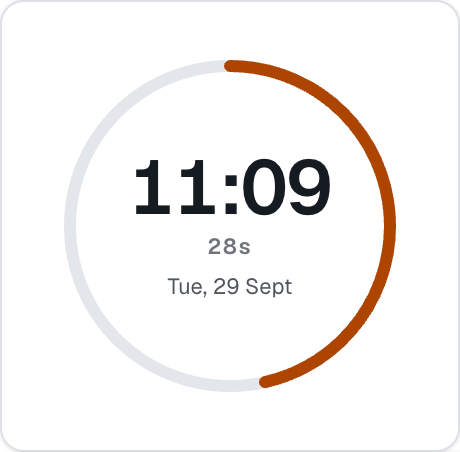
Here are some of the Pro styles (and the Free top bar line) on a real page:
| Flip clock, dark theme (Pro) | Neon Glow (Pro) |
|---|---|
 |
 |
| LED Segment (Pro) | Progress Ring (Pro) |
|---|---|
 |
 |
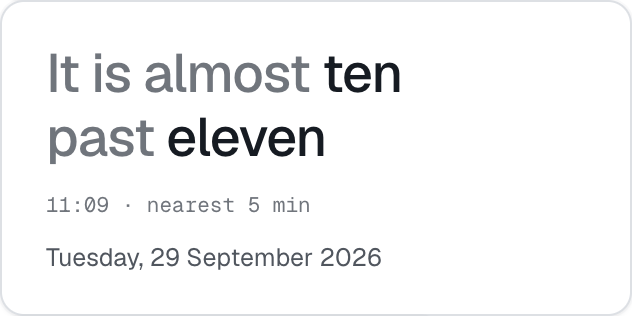
| Word Clock, spelling the time out (Pro) | Analog Railway (Pro) |
|---|---|
 |
 |
The two single-line clocks (both Free) are for utility bars:
- Top bar line — date · time · city on one line, for a bar above the menu (about 34 px high). On phones it drops the city.
- Footer line — for example "Local time in Dhaka 10:15 AM GMT+6", small and low-emphasis, for a footer legal row.

Both sit in a small pill of their own that matches the chosen theme, so they stay readable whatever colour your template uses behind them.
Word Clock (Pro) spells the time out to the nearest five minutes ("It is ten past ten", "almost half past four"). It follows the site language, including German "halb vier" for 3:30.
Show JoomClock name (Pro)
Retro Terminal shows a prompt (joomclock@site:~$ date +%T) and the Luxury dial carries the name JoomClock. Switch this off to show ~$ date +%T and a dial without the name. It appears only while one of those two styles is chosen.
Calendar style
Month view is Free. (Pro): Week, Mini calendar, Date card and Agenda. See section 8 for what each looks like.
Clock + calendar layout
Shown when both a clock and a calendar are on.
| Layout | Edition | What it does |
|---|---|---|
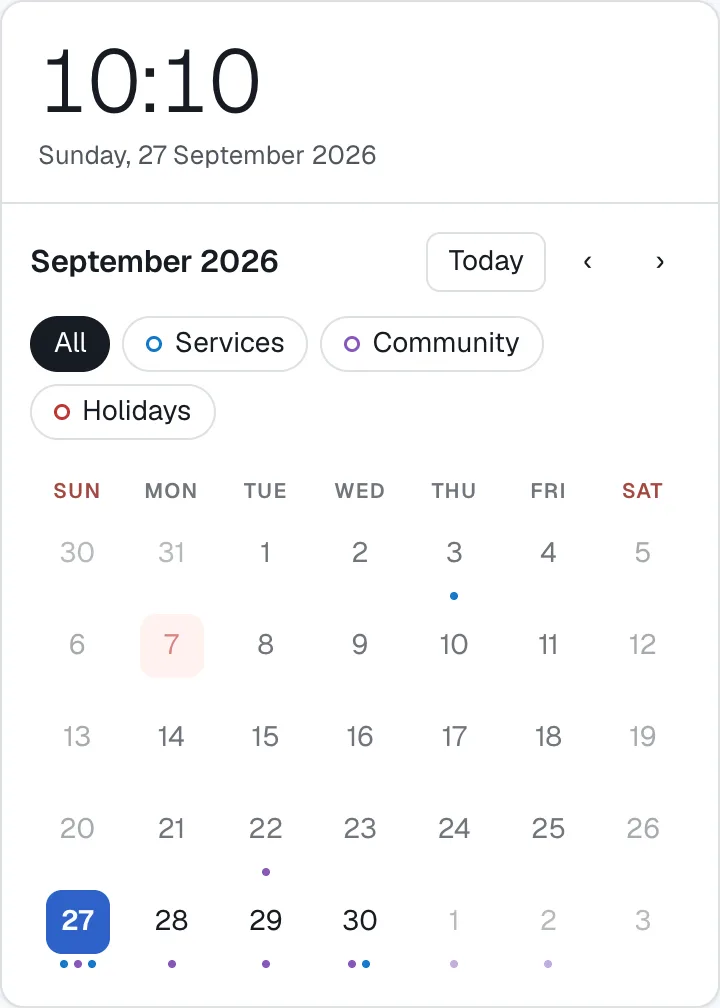
| Stacked | Free | Clock on top, calendar below, in one card. Best for sidebars. |
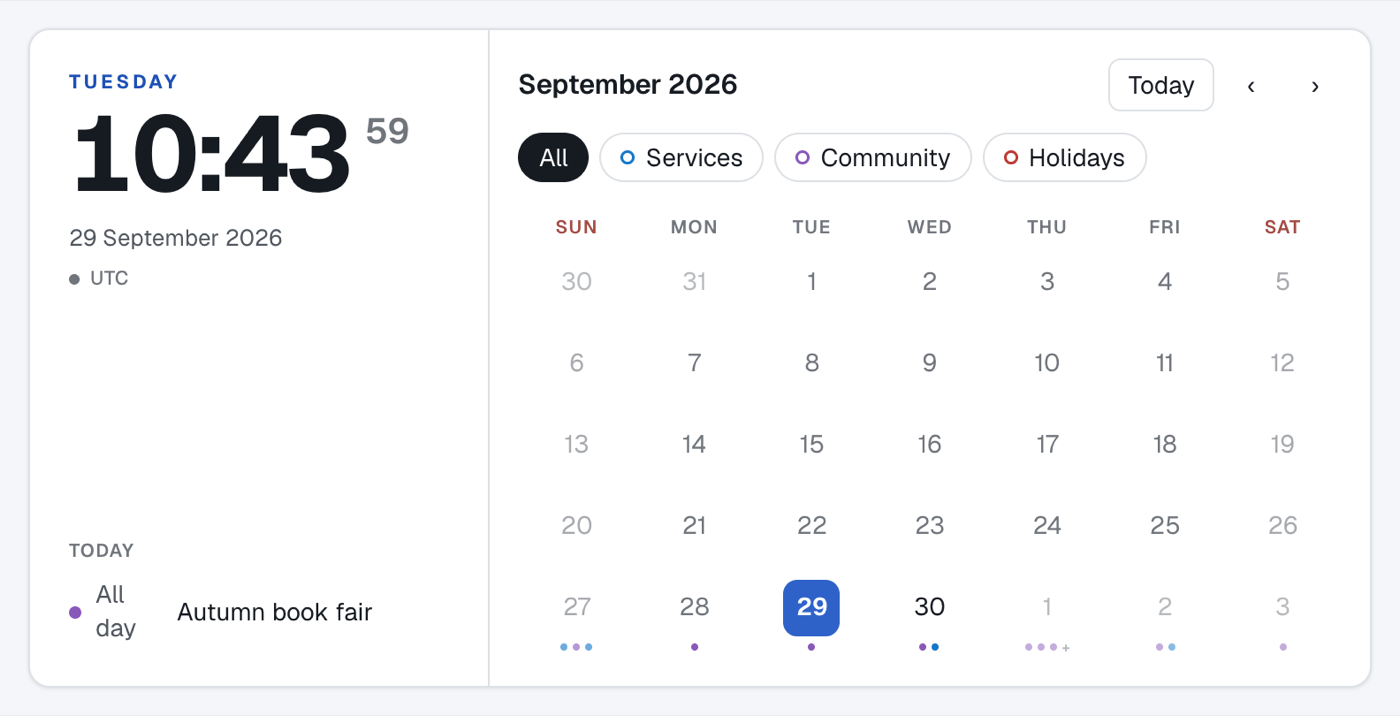
| Side by Side | Pro | Clock and today's events on the left, calendar on the right. Stacks automatically in a container narrower than 560 px. |
| Hero Card | Pro | A large clock, a tear-off date card and a mini calendar, for full-width sections. The mini calendar hides below 720 px. |
| Stacked (Free) | Side by Side (Pro) |
|---|---|
 |
 |
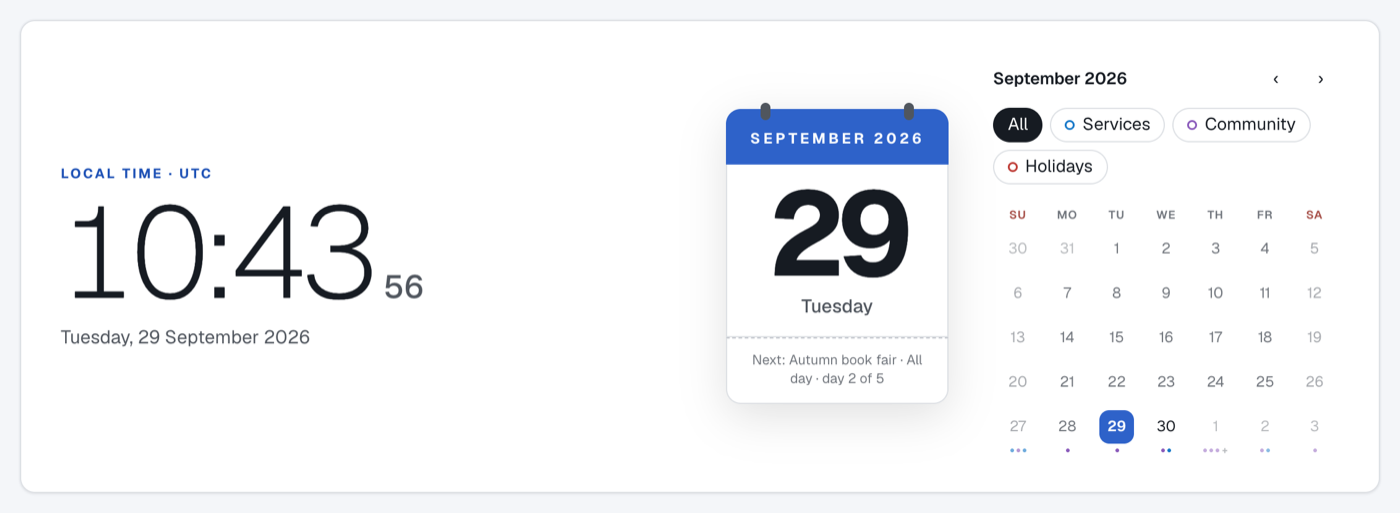
Hero Card has its own clock and calendar design, so Clock style, Calendar style, the time zone label and the analog clock parts are hidden while it is selected.
World clock (Pro)
Add up to 24 cities. For each, enter a label, an optional country / note line and a time zone. Choose a layout:
- Horizontal row
- Vertical list
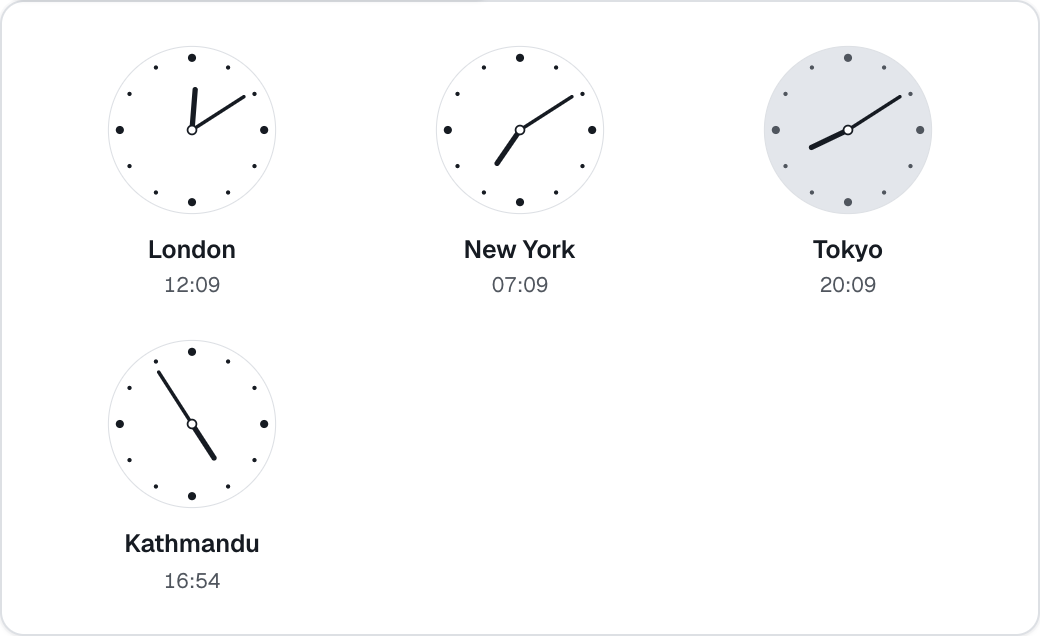
- Analog grid — small analog dials. Its Columns setting is Auto (3 columns, or 2 in a narrow position) or a fixed 2 to 6, which then applies at every width.
- Compact ticker — scrolling or static.
Each city shows its time, the difference from the visitor's own time ("+3h", "−5h 30m", "Same time"), a sun or moon for day and night, and Tomorrow or Yesterday when its date differs from the visitor's.
| World clock, analog grid (Pro) | World clock, compact ticker (Pro) |
|---|---|
 |
 |
Live preview (Pro)
The panel beside the tabs shows the module with your unsaved settings, exactly as the site will draw it. Wide layouts (Side by Side, Hero Card, Week view, the world clock row) are laid out at their real width and zoomed out to fit the panel, so you see the wide design rather than its narrow fallback.