

Contacts
Exporting and importing Joomla contacts with their categories, images, custom fields and linked users.
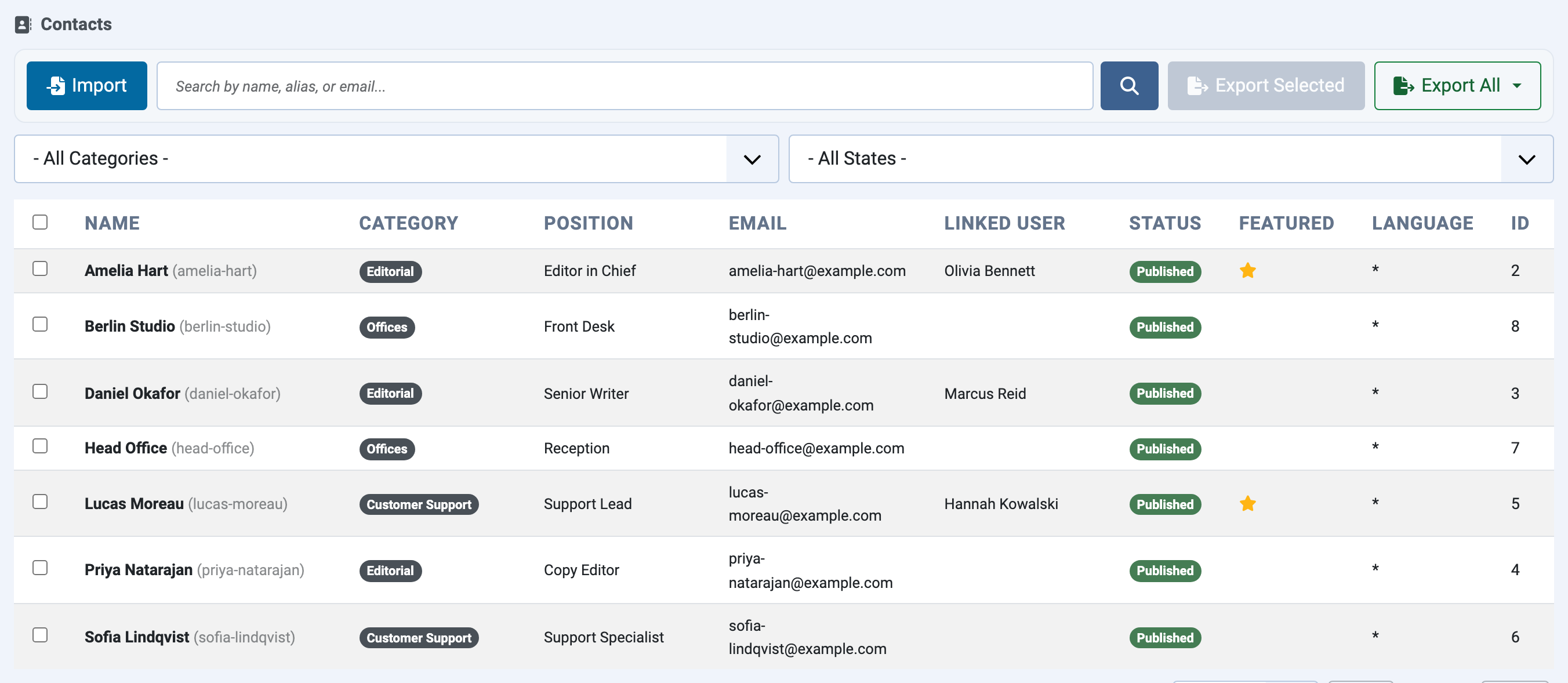
The Contacts tab exports and imports Joomla contacts (com_contact). It works like the Articles tab: contact categories at the top, contacts below.
What is included
- Contact details: name, position, address, phone numbers, email, links, miscellaneous information, display settings, featured flag, access, language and metadata.
- Their categories and parent categories, rebuilt as the same tree on the new site.
- The contact image and images used in the miscellaneous information, packed into the ZIP.
- The contacts' custom fields with their values.
Linked users
A contact can be linked to a Joomla user account. User IDs differ between sites, so JoomShift records the linked user's username and email and links the contact to the user with the same username (or email) on the new site. Import the users first to keep these links; otherwise the contact is imported without a linked user and the import (and the dry run) says so.
Requirements
The Contacts component must be installed and enabled. If it is not, the tab says so and imports are refused.