

What's new in 1.1.0
Dry run, contacts import/export, and the import fixes in JoomShift 1.1.0, plus how to upgrade from 1.0.0.
JoomShift 1.1.0 adds two features and makes imports between different sites much more reliable.
New
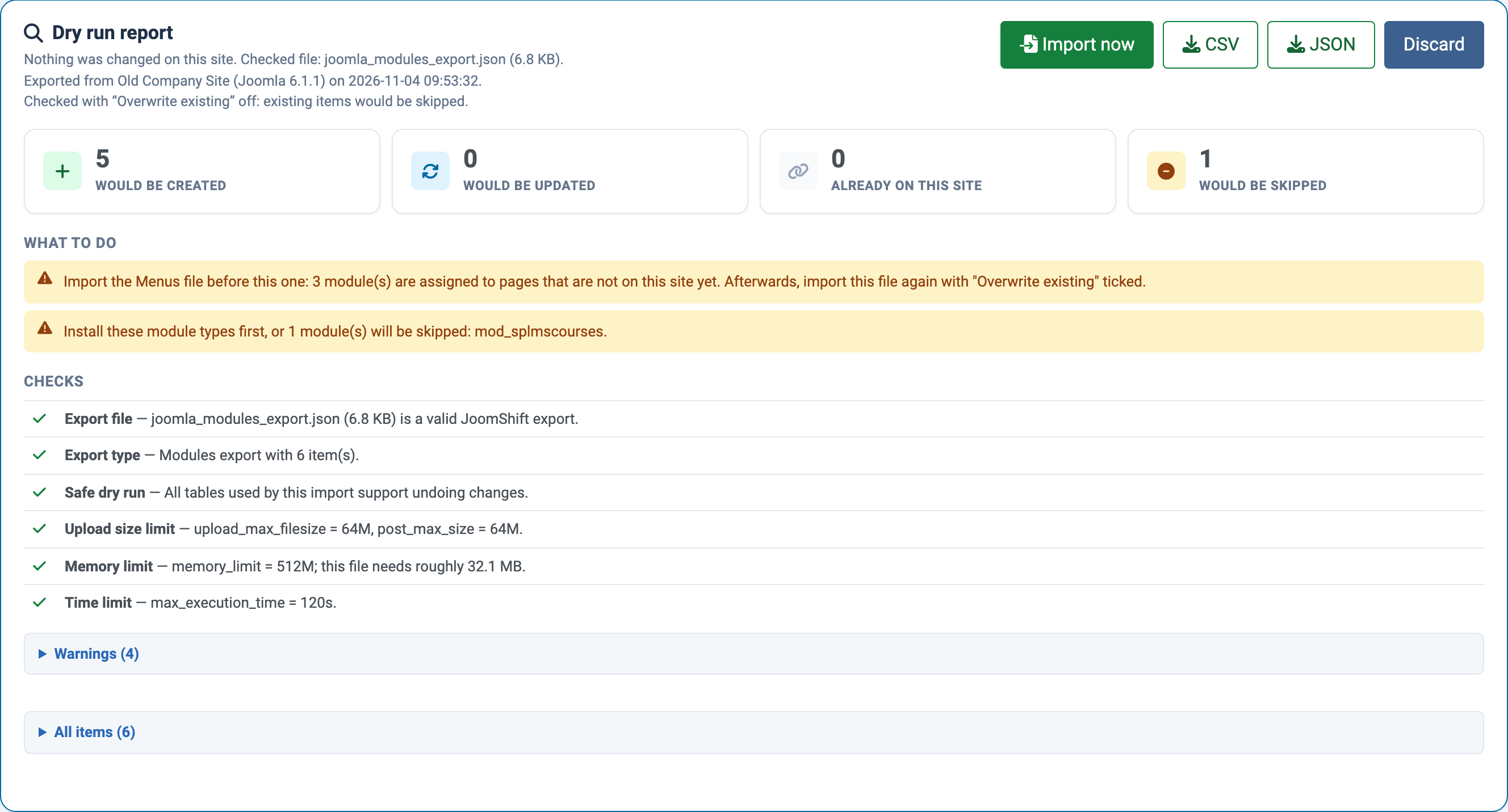
- **Dry run — check an import file against your site before importing it. Nothing on the site changes; you get a report of what would be created, updated or skipped, what is missing, and what to import first. Import now** then imports the same file without uploading it again.
- **Contacts** — a new Contacts tab exports and imports Joomla contacts with their categories, images and custom fields. Contacts linked to a user are linked to the same user on the new site.
Better imports between different sites
- Category, menu and user group trees are rebuilt after every import, and parents are matched on the new site, so nested items keep their structure.
- Module page assignments follow the page, not its ID number, so modules appear on the right menu items on the new site.
- A menu item whose alias is already used by another menu item at the same level is imported with a numbered alias (for example
home-2) instead of failing. - Importing without Overwrite existing skips articles, menu items, contacts and users that are already on the site instead of creating duplicates.
- Featured articles appear in the Featured Articles view after import, and article intro and full images are included in Joomla 4/5/6 exports.
- Only a Super User can import Super User accounts.
Upgrading from 1.0.0
Install the 1.1.0 package over 1.0.0 as an update — there is nothing to uninstall. Export files made with 1.0.0 still import. For the best result when moving content between two sites, export again with 1.1.0: new exports record the pages modules are assigned to, parent categories and user groups, and menu alias targets.