

Two editions
Which JoomShift edition to install on Joomla 3 or Joomla 4/5/6, and what differs between them.
Install the J4/5/6 Edition on any Joomla 4, 5 or 6 site and the J3 Edition on any Joomla 3.4–3.10 site. Both editions have the same five tabs, the same dry run and the same export format, so you can export with one and import with the other.
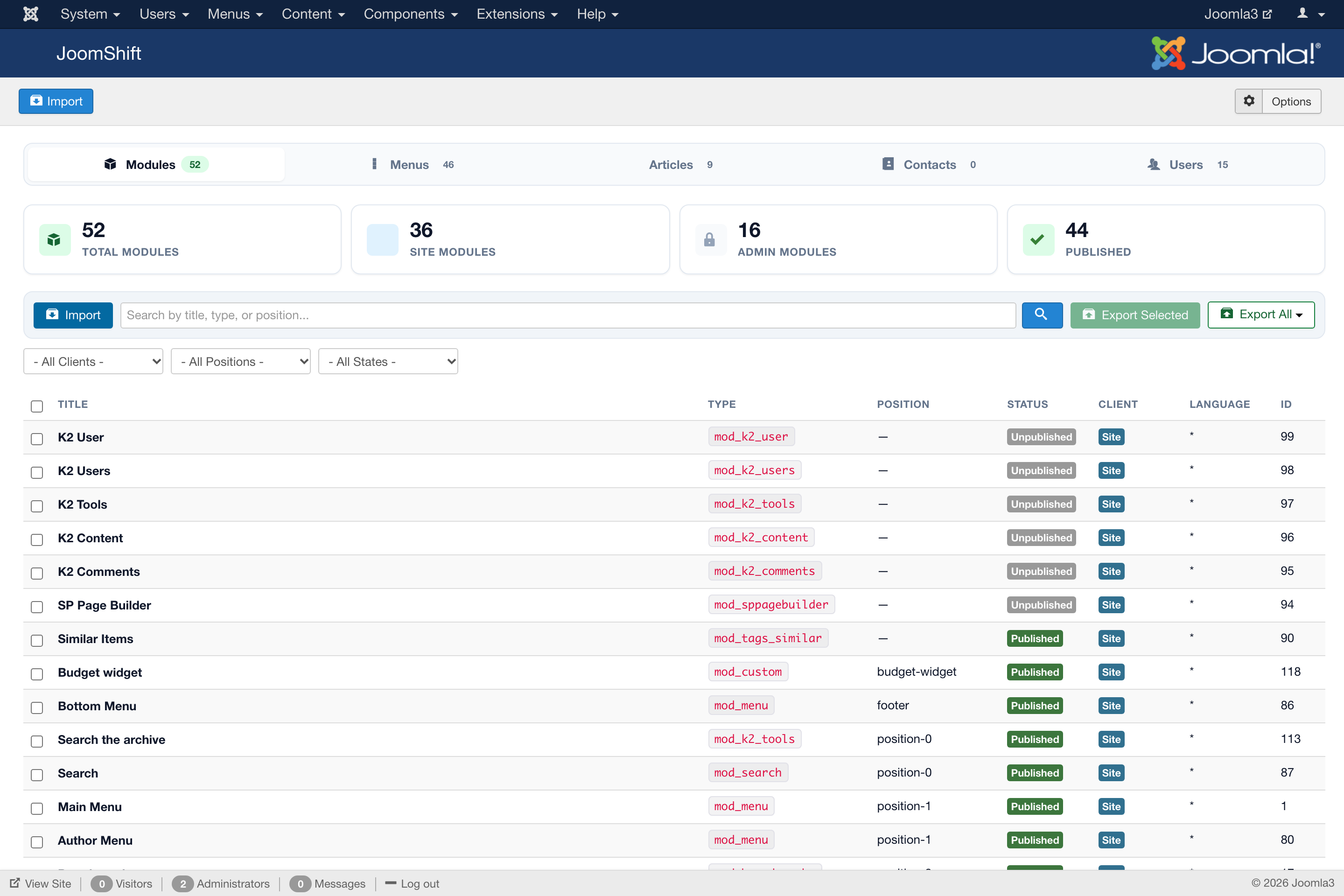
| J4/5/6 Edition | J3 Edition | |
|---|---|---|
| Joomla | 4.0+, 5.x, 6.x | 3.4 – 3.10 |
| PHP | 8.1 or newer | 5.6 or newer |
| Tabs | Modules, Menus, Articles, Contacts, Users | Modules, Menus, Articles, Contacts, Users |
| Dry run | Yes | Yes |
| Custom fields | Yes | Yes, on Joomla 3.7 and newer |
| Admin dark mode | Follows Joomla's admin colour setting | Not available (the Joomla 3 admin has no dark theme) |
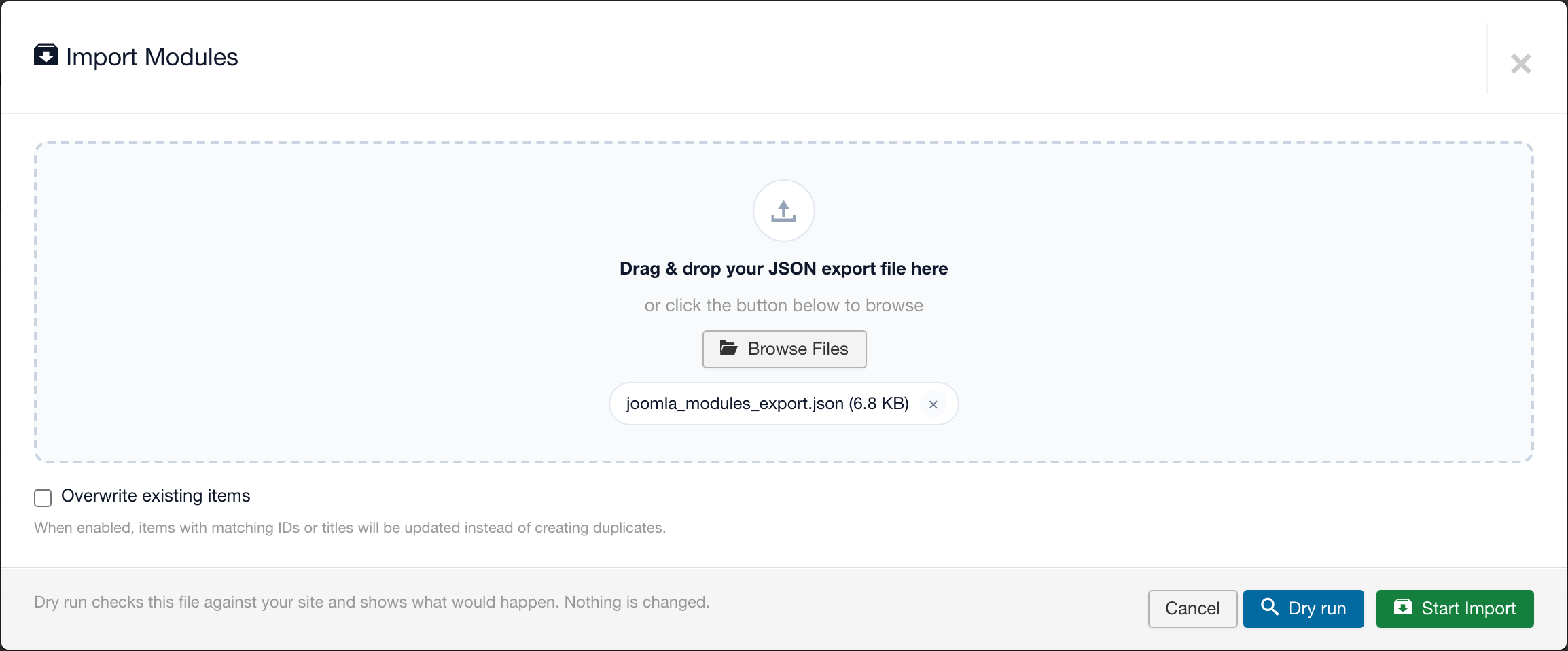
The J3 Edition's import window works the same way, including the Dry run button:
A Joomla 3 → Joomla 5 or 6 migration uses both: the J3 Edition on the old site to export, the J4/5/6 Edition on the new site to import. See Migration walkthrough.