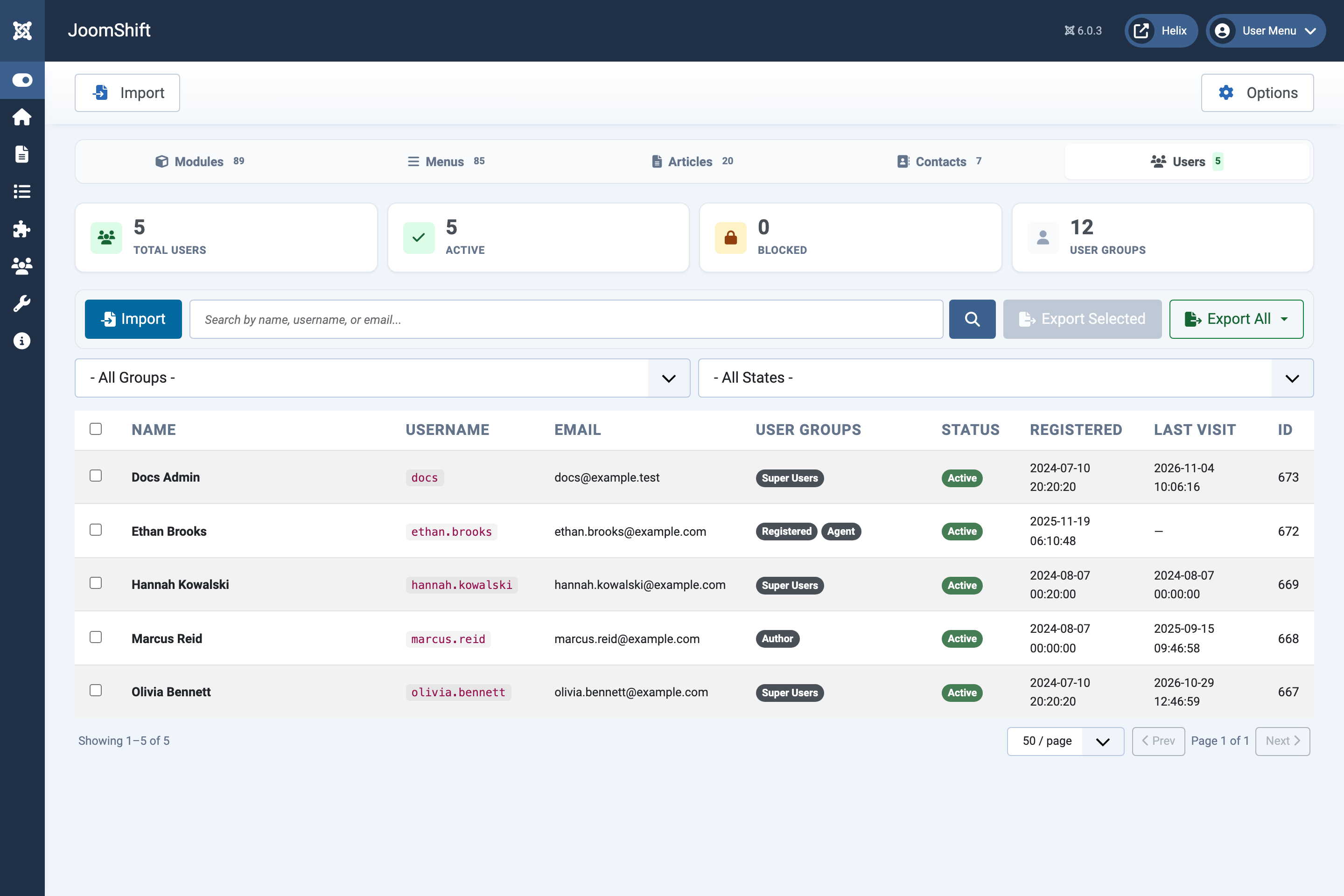
The JoomShift screen
A tour of the five JoomShift tabs: what each shows and where the export and import buttons are.
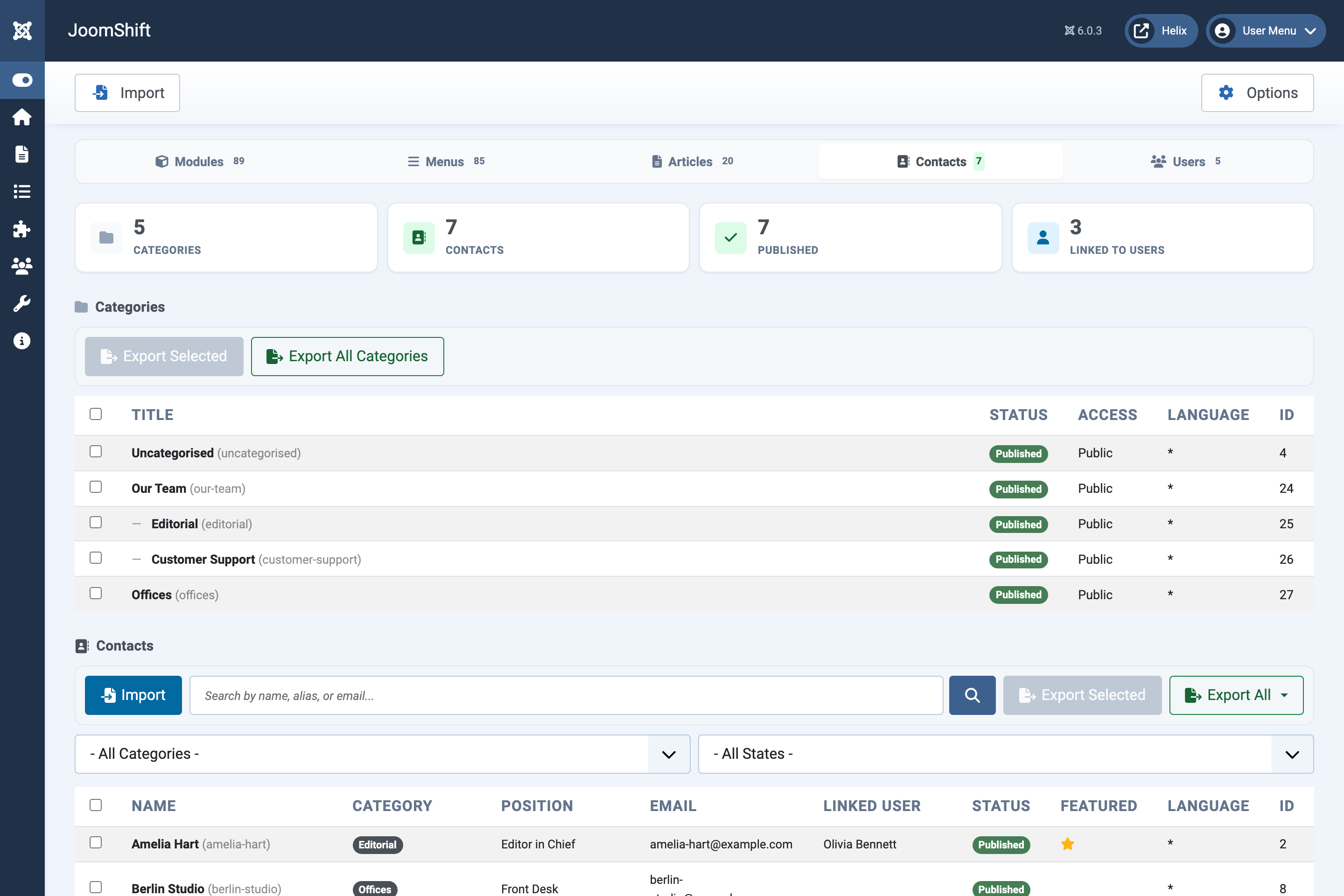
Open Components → JoomShift. Everything happens on one screen with five tabs; the number on each tab is how many items the site has.
Every tab has the same parts: summary cards, a toolbar with Import, search, Export Selected and Export All, filters, the list itself and page controls at the bottom (20, 50, 100 or 250 rows per page). The Import button in Joomla's own toolbar at the top opens the import window for the tab you are on.
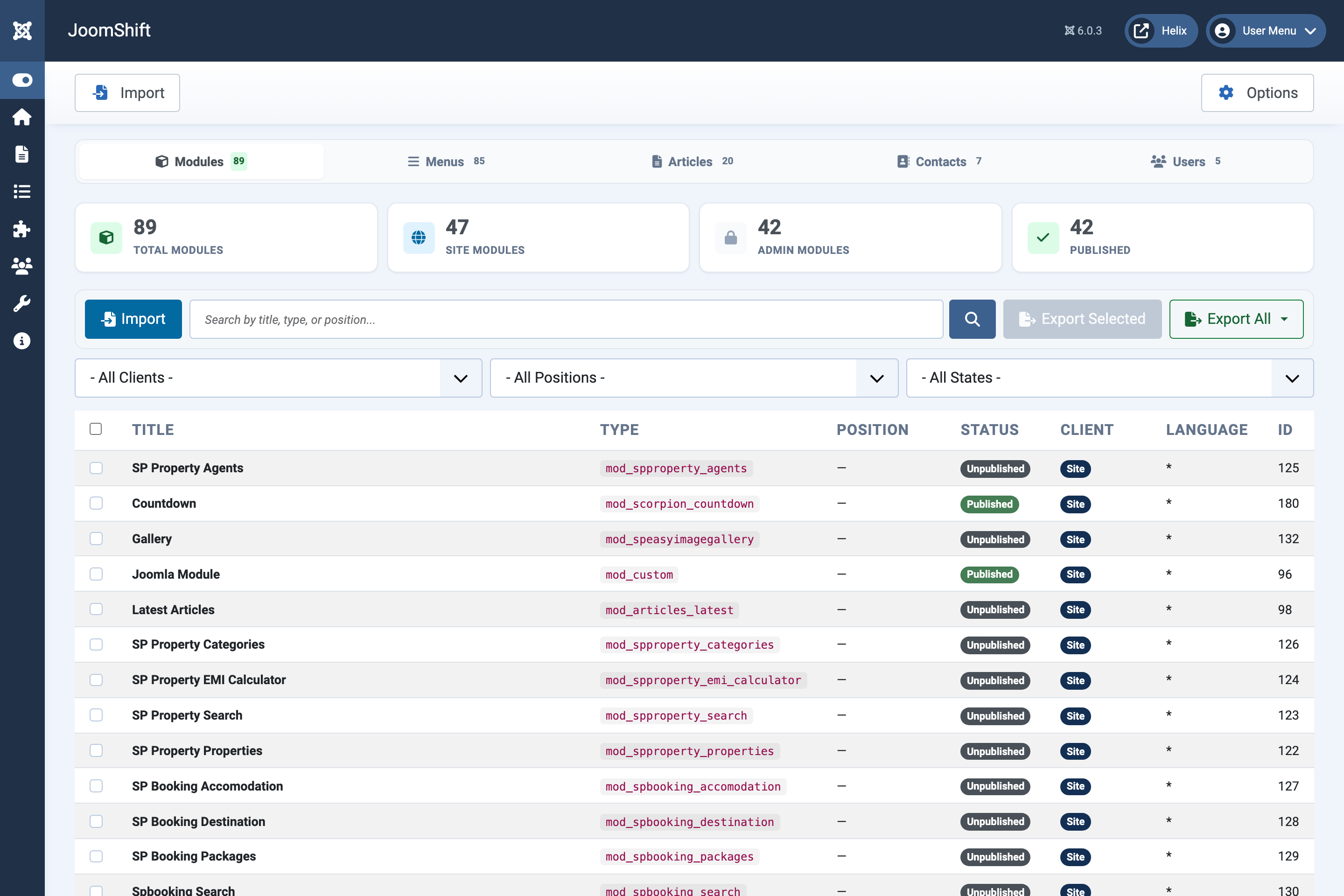
Modules
Site and administrator modules with their type, position, status and client.
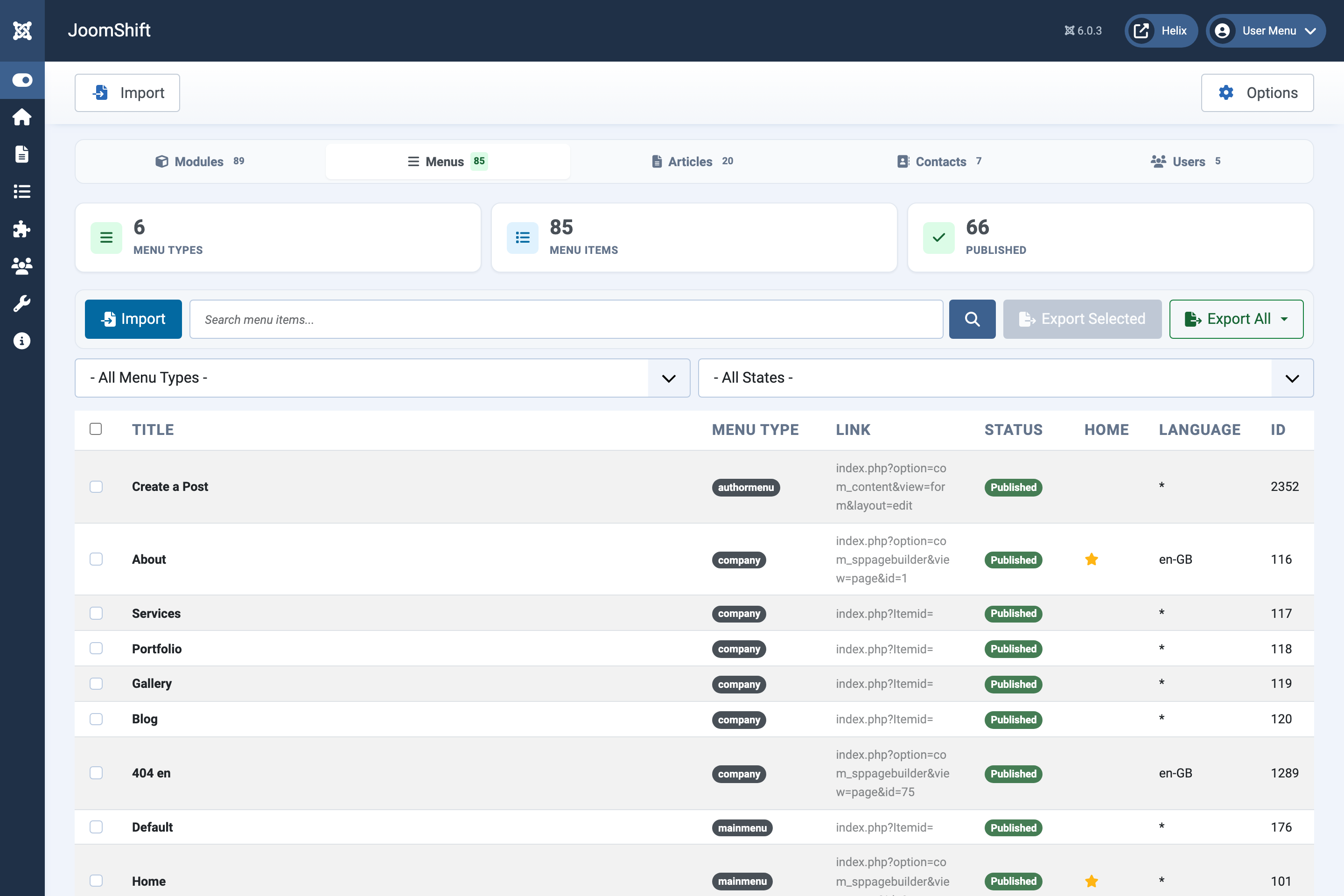
Menus
Site menu items with their menu, link, status and default-page marker.
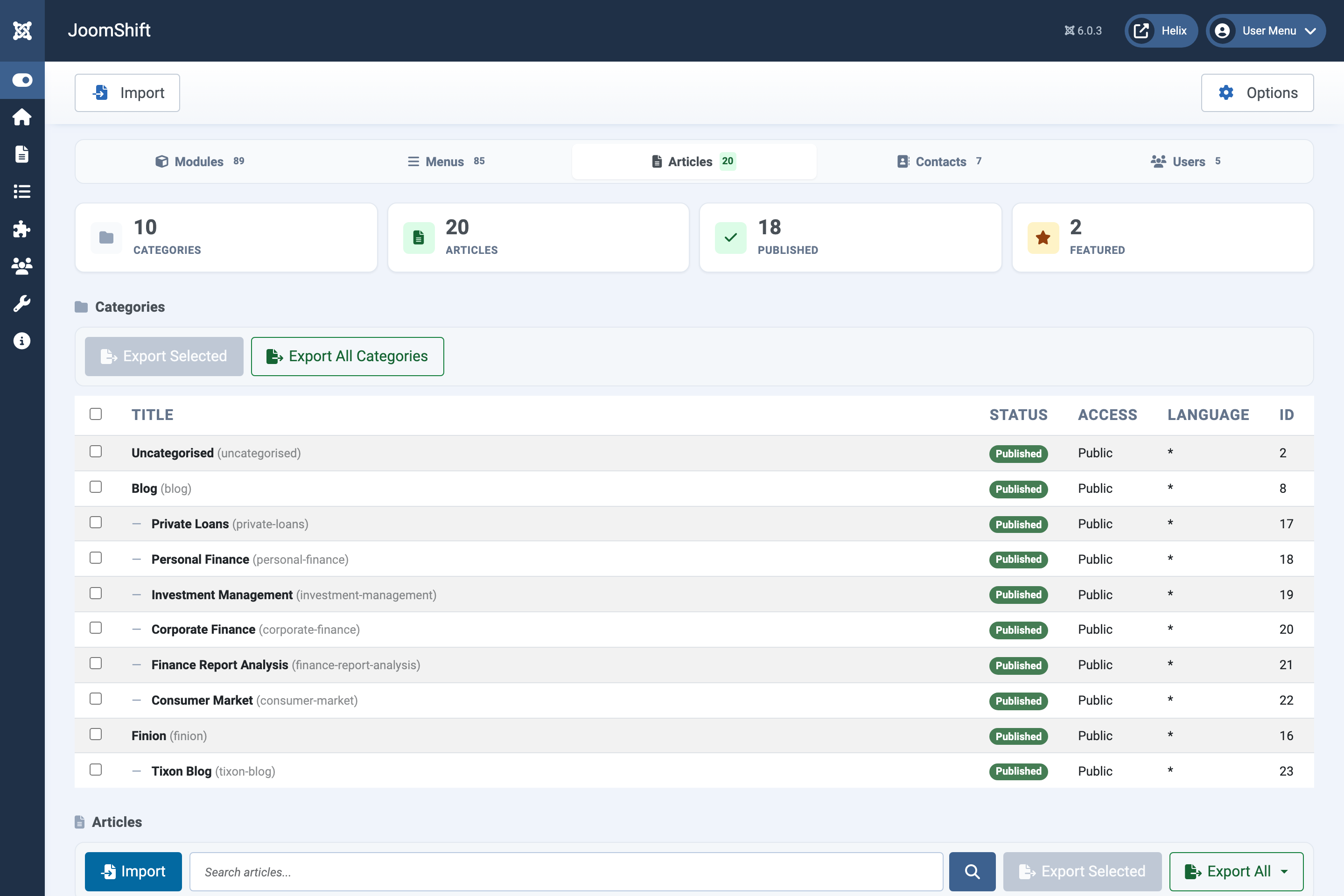
Articles
Article categories (with their nesting) at the top, articles below. Categories can be exported on their own.
Contacts
Contact categories at the top, contacts below, including each contact's position, email and linked user.
Users
User accounts with their groups, status and dates.