

Creating a Module Instance
How to create a new JoomWeather module instance from the Site Modules screen.
- Go to Content → Site Modules (the sidebar item is labelled Site Modules; the page title reads "Modules (Site)").
- Click New.
- From the module-type picker, choose JoomWeather.
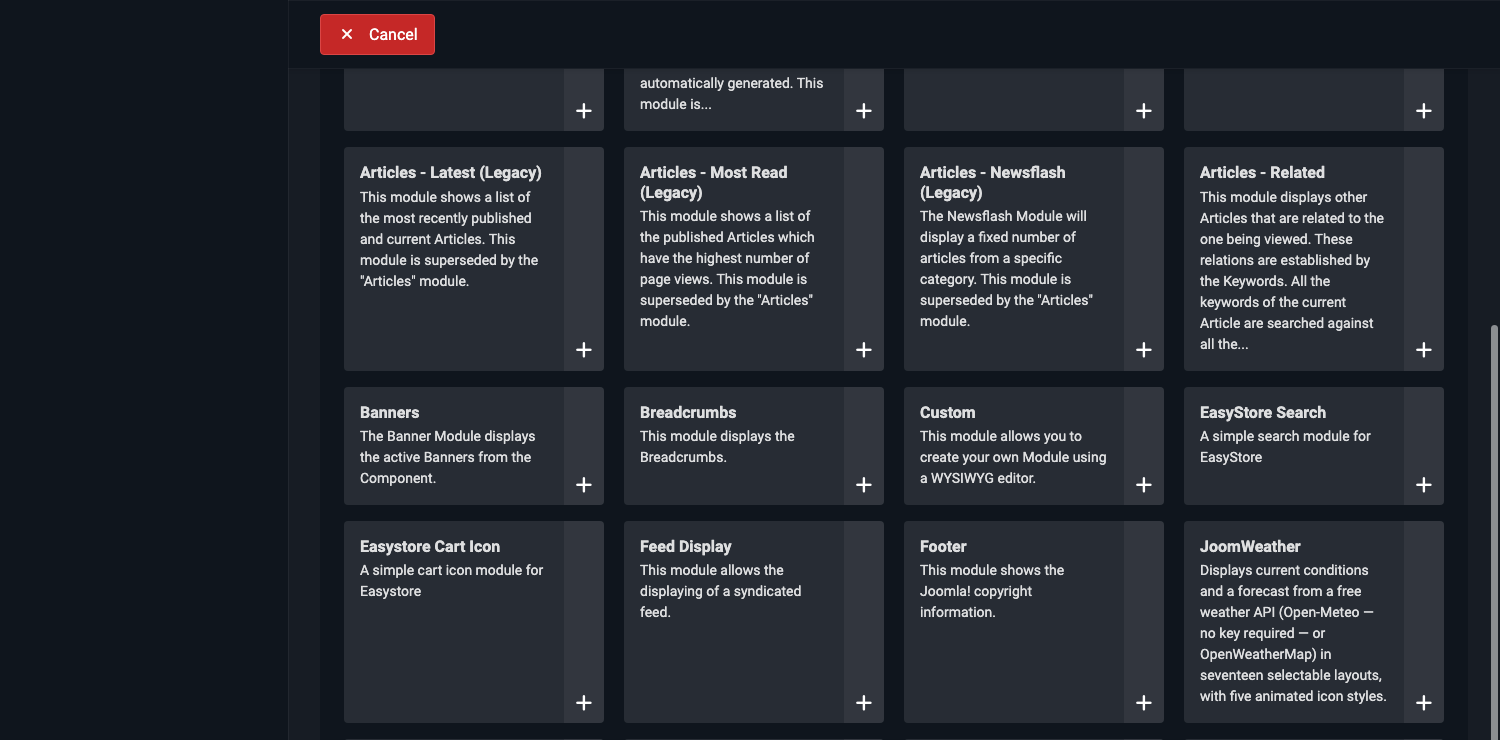
- You now have a blank module instance open for editing, on the Module tab described in The Module Tab — Weather Data.
You can create as many separate JoomWeather instances as you like — for example, one showing a compact strip in the header for London, and a second, fuller card in a sidebar for a different city. Each instance has its own independent settings.