

Installation
How to install or upgrade the JoomWeather module package in Joomla.
- In the Joomla administrator, go to System → Install → Extensions.
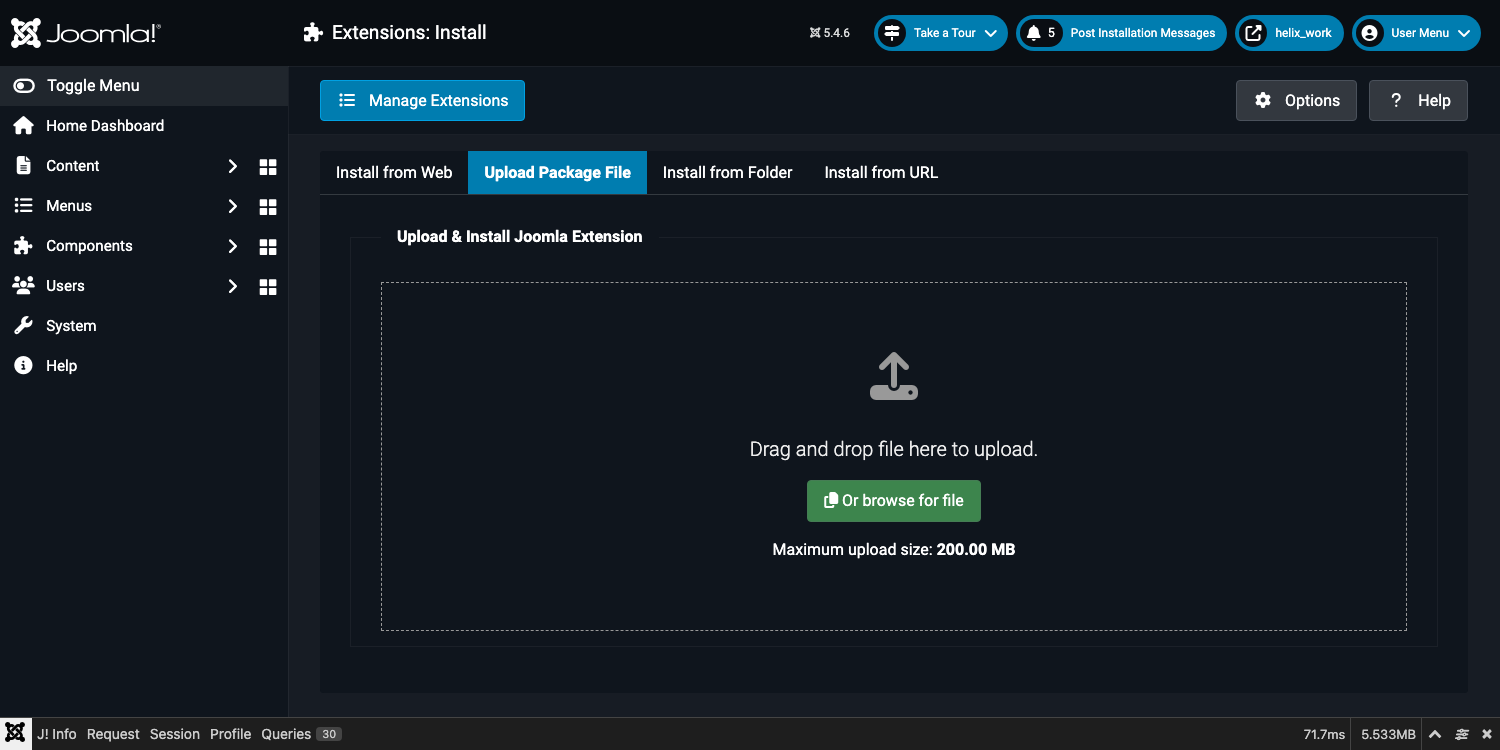
- Drag the
mod_weather_v1.0.0.zippackage onto the drop zone, or click to browse for it. Installation starts automatically once the file is selected.
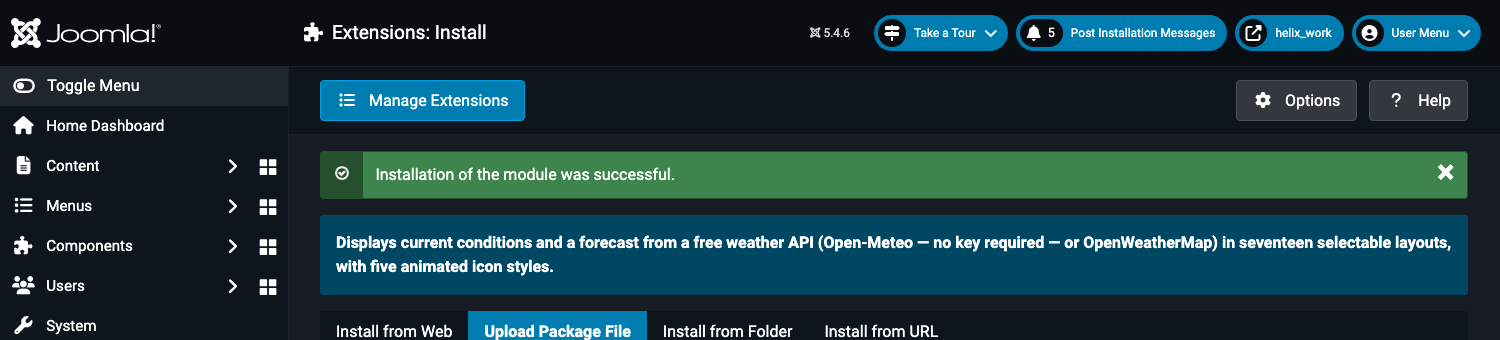
- Joomla shows a green "Installation of the module was successful" banner when it's done.
- If you are re-installing over an existing copy (to upgrade), the same Upload screen handles it — the manifest is declared
method="upgrade", so your existing module instances, their titles, positions and all saved parameters are preserved. You do not need to delete the old copy first.
Nothing to configure at install time. Installing the extension does not create a module instance on any page — that's the next step, covered in Creating a Module Instance.