

The Display Options Tab
The nine on/off switches controlling which weather data points are shown.
Nine on/off switches controlling which data points appear in the current-conditions section (the exact set shown also depends on what the chosen layout has room for, and what the provider actually returns — see the coverage table in Choosing a Weather Provider).
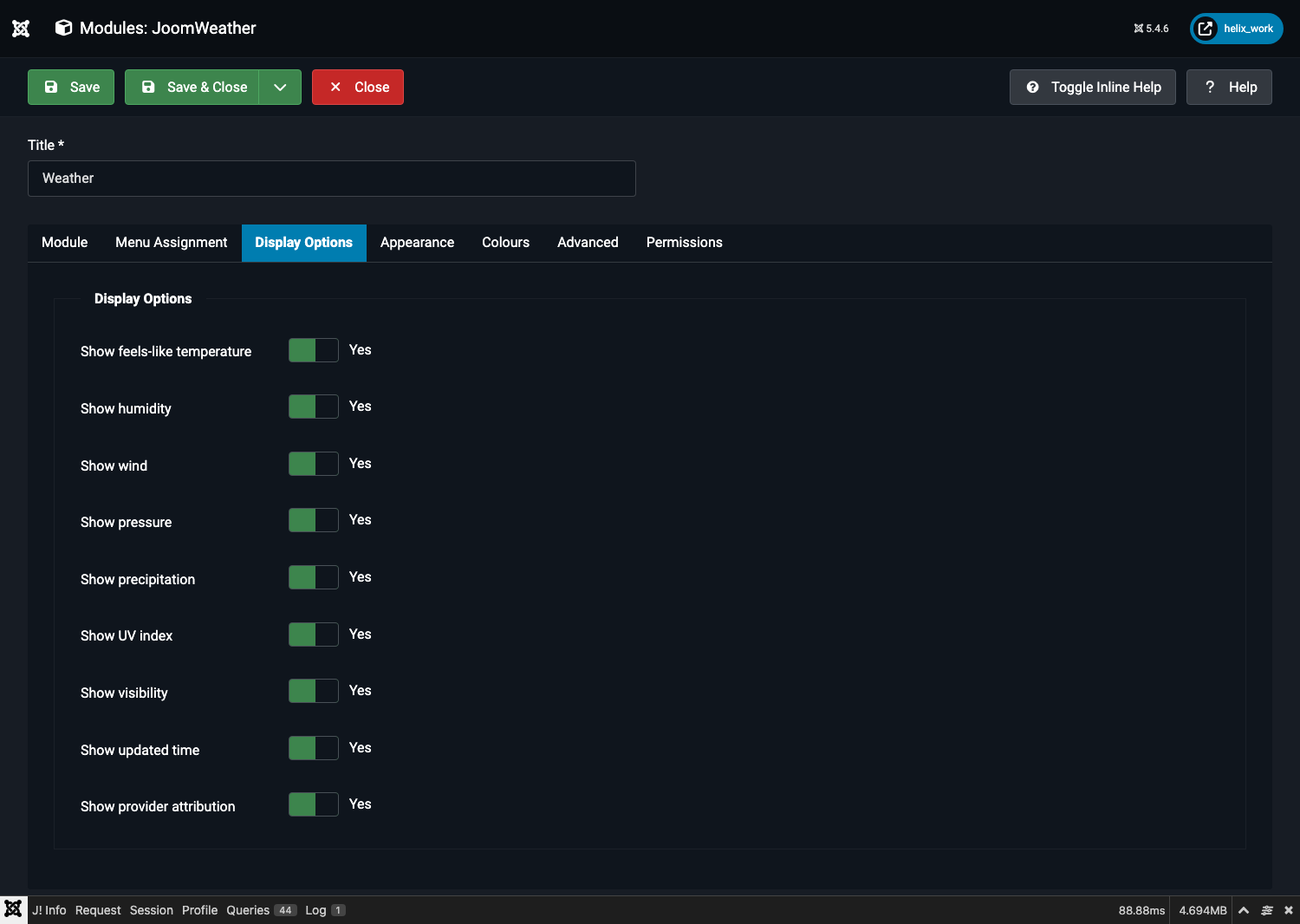
| Field | Default | Shows |
|---|---|---|
| Show feels-like temperature | Yes | The apparent temperature alongside the actual reading. |
| Show humidity | Yes | Relative humidity, %. |
| Show wind | Yes | Wind speed and compass direction. |
| Show pressure | Yes | Barometric pressure. |
| Show precipitation | Yes | Precipitation amount (current) and chance of precipitation (forecast rows). |
| Show UV index | Yes | The day's maximum UV index. Open-Meteo only — OpenWeatherMap's free tier doesn't return it, so this has no effect with that provider. |
| Show visibility | Yes | Visibility distance. OpenWeatherMap only — Open-Meteo doesn't return it for current conditions. |
| Show updated time | Yes | The local observation time reported by the provider. |
| Show provider attribution | Yes | The "Weather data by …" / "Powered by …" credit line. Keep this on — see Attribution Requirements. |
Every layout hides a stat automatically if its provider didn't return a value for it, regardless of these switches — there's no risk of a blank or "null" tile appearing.