

Enabling the Plugin
How to enable the SimpleMath Captcha plugin after installing it.
Go to System → Manage → Plugins, search for "captcha", and find Captcha - SimpleMath Captcha in the list. Click the status icon (or the toggle) in the Enabled column to switch it on.
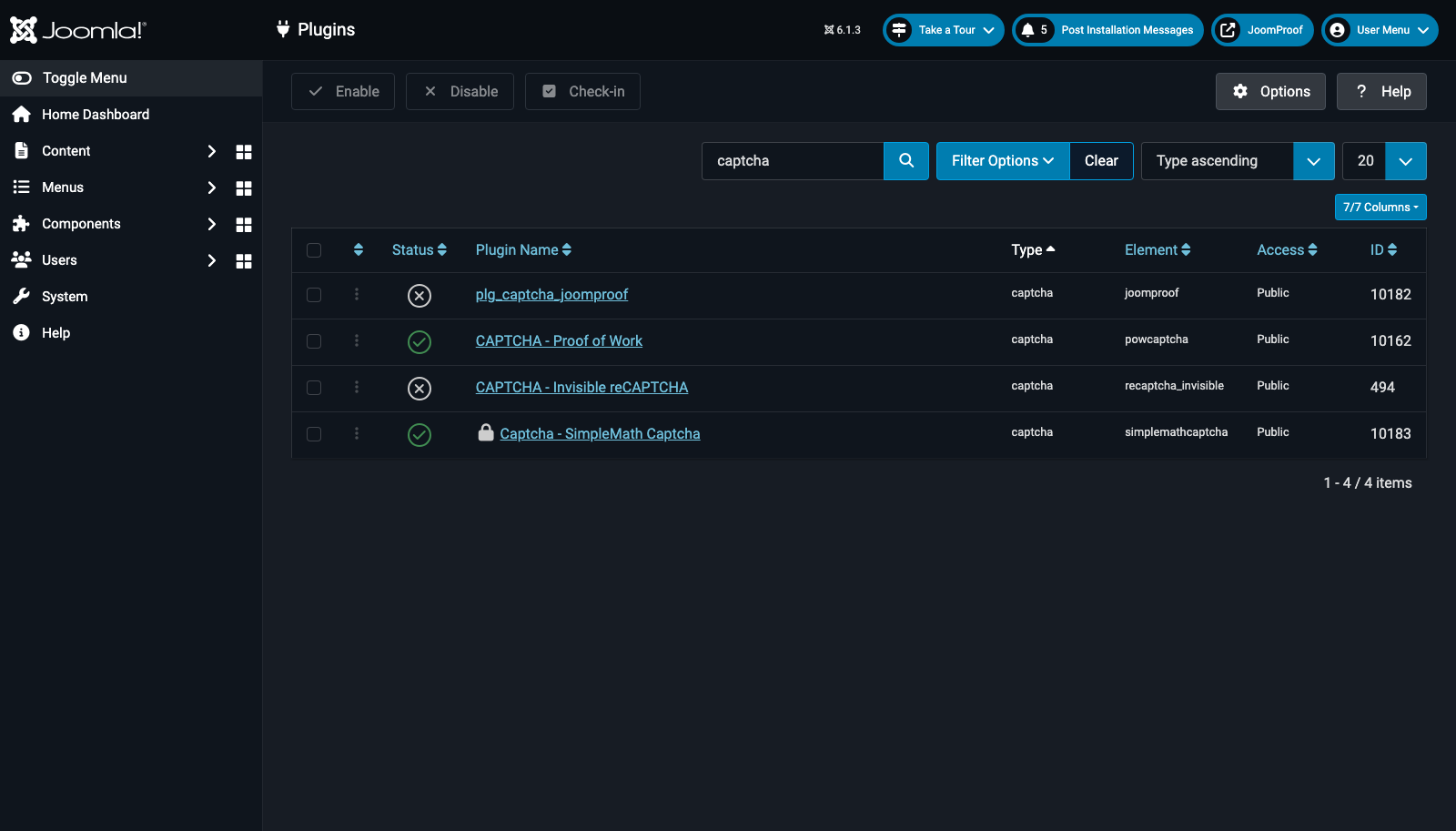
A captcha plugin being enabled only means Joomla is allowed to use it — it doesn't yet mean anything on your site is actually showing it. That's the next step.