

Appearance Settings
Every field on the Appearance settings tab: theme, layout, size, colours, radius, spacing, and field width.
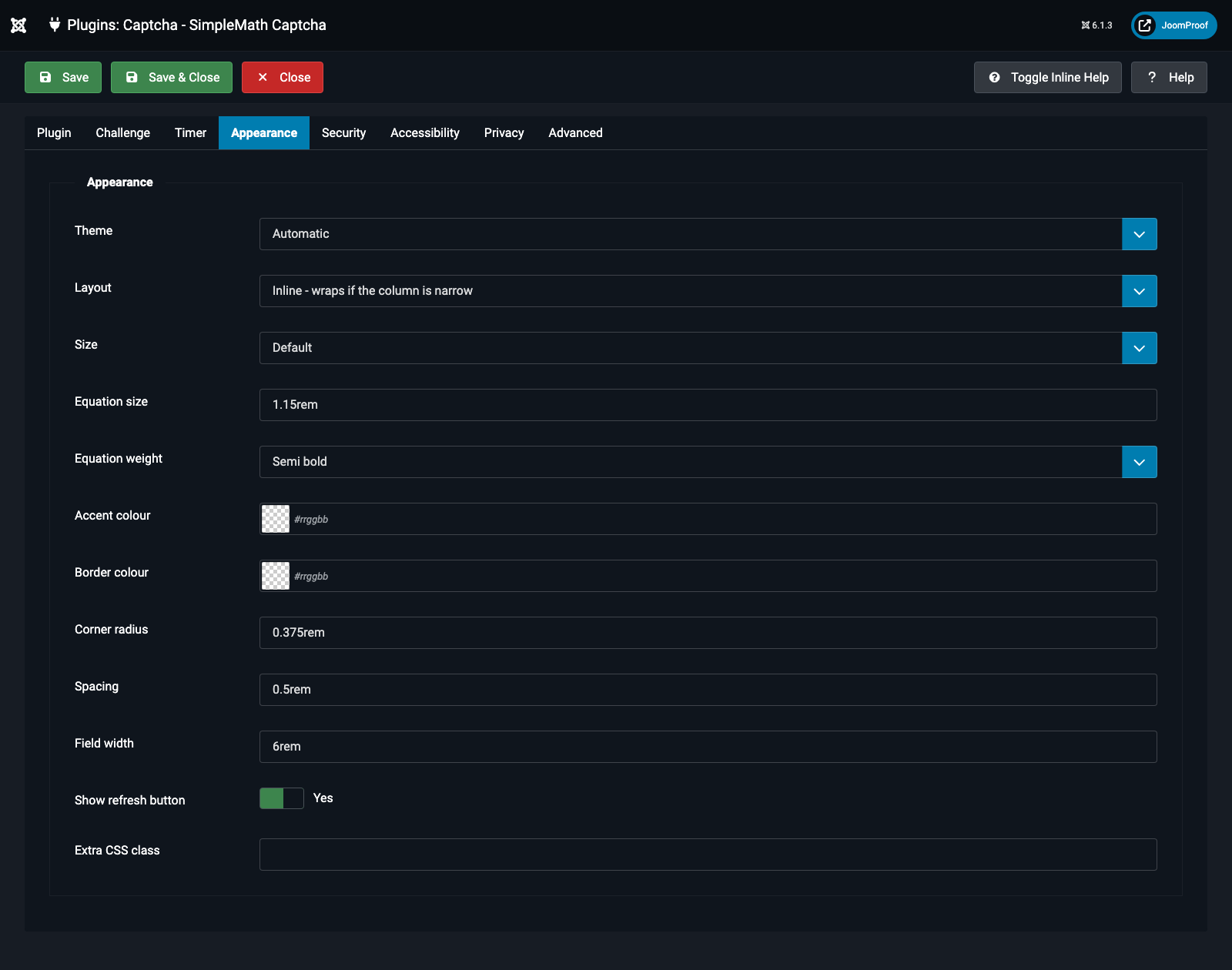
| Field | Default | What it does |
|---|---|---|
Theme (theme) |
Automatic | Automatic: every colour derives from the page's own text colour via color-mix(), so it looks correct on any background without configuration. Light / Dark: fixed palettes tuned for a light or dark page respectively. Inherit from template: the accent and timer become plain currentColor, taking every colour directly from the surrounding template with no tinting at all. |
Layout (layout_style) |
Inline | Inline: equation, field, timer and refresh button in a row, wrapping to a second line if the column is too narrow. Single line: the same row, but it never wraps — it scrolls sideways instead if the column is genuinely too narrow. Stacked: each part on its own line. Card: Inline, inside a bordered, lightly tinted box. |
Size (size) |
Default | Scales the equation, field and timer together as one unit: Compact, Default, or Large. |
Equation size (equation_size) |
1.15rem |
A raw CSS length (e.g. 1.5rem, 24px). Rejected and replaced with the default if it isn't a plain, safe length. |
Equation weight (equation_weight) |
Semi bold | Font weight of the sum: Normal (400), Medium (500), Semi bold (600), Bold (700). |
Accent colour (accent_color) |
(built-in blue) | Used for the focus ring, the countdown's progress colour (unless overridden), and the refresh button's hover/expired states. |
Border colour (border_color) |
(auto) | Border colour for the field and refresh button. Leave empty to derive it from the page's text colour. |
Corner radius (border_radius) |
0.375rem |
A CSS length — 0 for square corners, a large value like 999px for fully rounded pills. |
Spacing (gap) |
0.5rem |
The gap between the equation, the field, and the timer. |
Field width (input_width) |
6rem |
Width of the answer field. Always shrinks further on narrow screens regardless of this value. |
Show refresh button (show_refresh) |
Yes | Lets visitors ask for a different sum. The button only appears once JavaScript has loaded; without it, reloading the page has the same effect. |
Extra CSS class (extra_class) |
(empty) | Added to the widget's outer wrapper, so a template's own stylesheet can target and restyle it. |