

Accessibility Settings
Every field on the Accessibility settings tab: reduced motion, high contrast, announcements, and autofill.
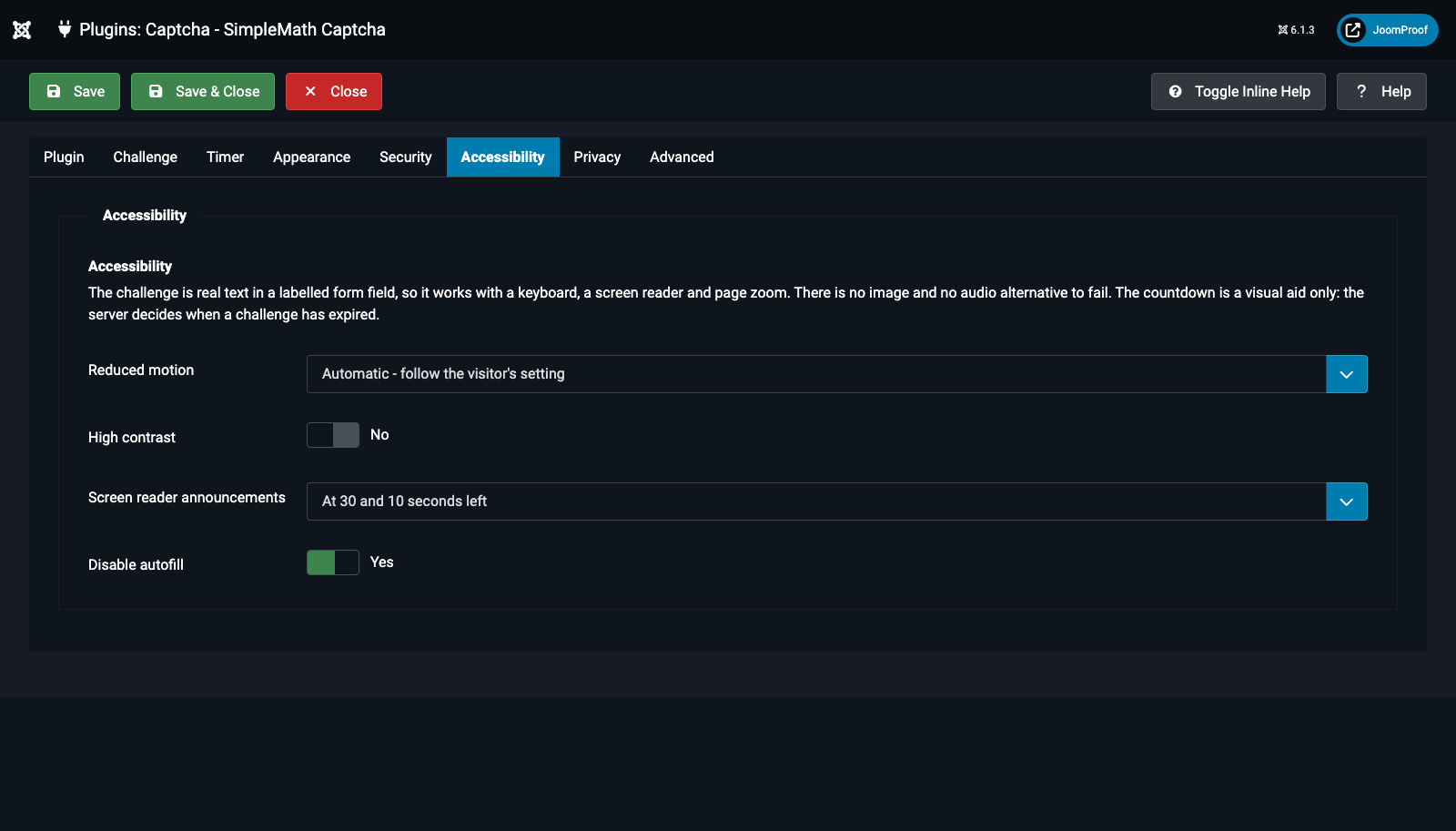
| Field | Default | What it does |
|---|---|---|
Reduced motion (reduced_motion) — conditional: Preset ≠ Accessible |
Automatic | Automatic: follows the visitor's own operating-system "reduce motion" setting. Always off: disables every animation for every visitor regardless of their own setting. |
High contrast (high_contrast) — conditional: Preset ≠ Accessible |
No | Switches every border and text colour to full-strength currentColor instead of the softened, tinted defaults — verified to clear 7:1 text contrast and 4.5:1 for UI boundaries. |
Screen reader announcements (announce_mode) |
At 30/10 seconds | How chatty the countdown is for screen reader users. A new challenge and an expired challenge are always announced regardless of this setting; this only controls the milestone announcements in between. Options: None, "At 30 and 10 seconds left", "Only when time runs out". |
Disable autofill (autocomplete_off) |
Yes | Stops the browser suggesting a previously typed answer — which, for a one-time challenge, is never going to be the right one anyway. |