

Advanced Settings
Every field on the Advanced settings tab: instant validation, automatic refresh, stored challenges, and events.
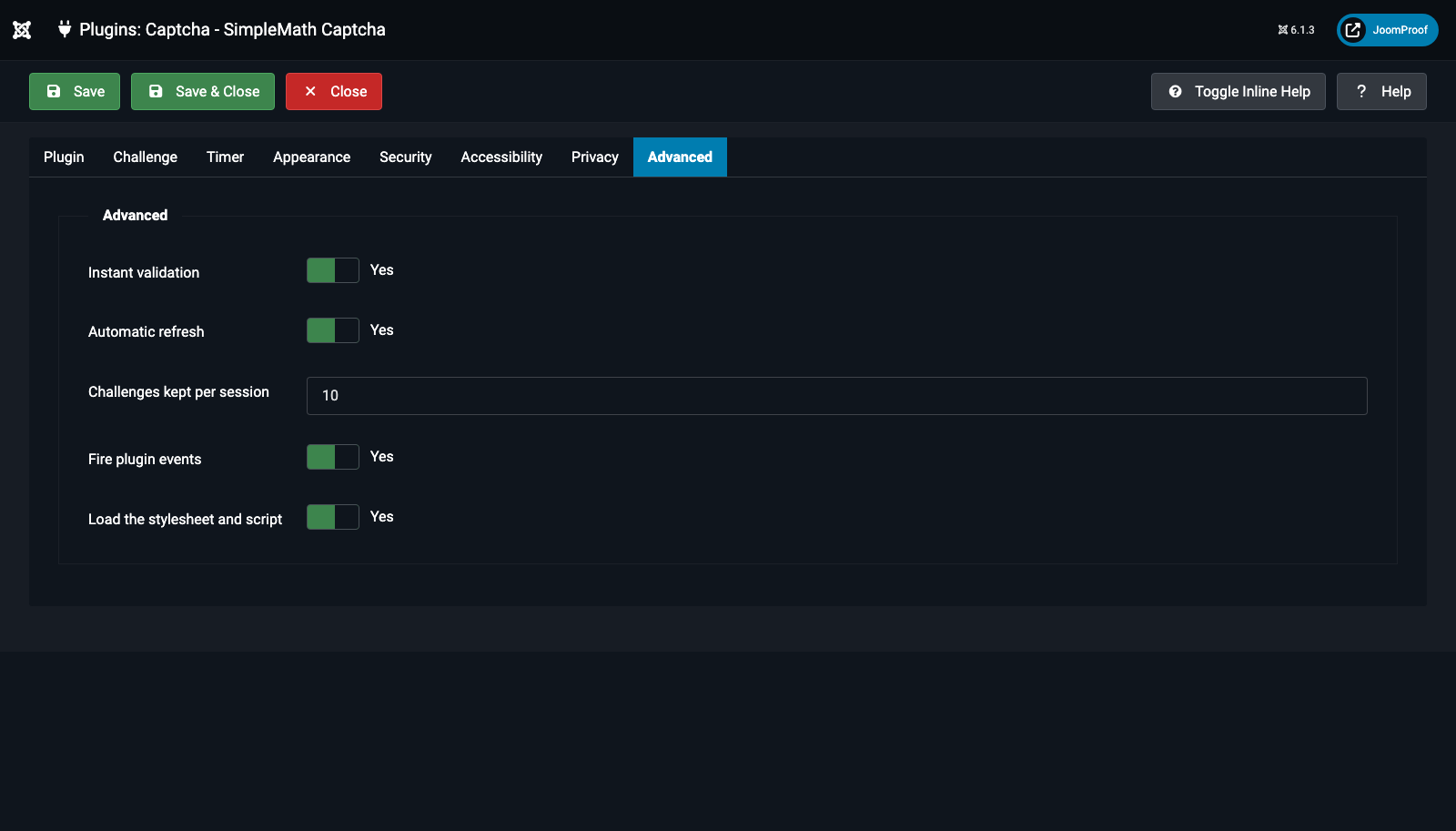
| Field | Default | What it does |
|---|---|---|
Instant validation (instant_validation) |
Yes | Checks the answer the moment a visitor leaves the field, instead of waiting for the whole form to be submitted — a wrong answer is shown immediately with a fresh sum ready at once; a correct one is confirmed on the spot with a green checkmark. It costs exactly the same rate-limit budget as a real submission, and the real, authoritative check still happens again when the form is actually submitted either way. Turning this off doesn't weaken security at all — it just delays when a mistake becomes visible to only submit-time. |
Automatic refresh (auto_refresh) |
Yes | Lets the widget fetch a replacement challenge on its own once the current one expires, rather than leaving the visitor stuck looking at a dead one. |
Challenges kept per session (max_stored) |
10 | How many unanswered challenges a single session may hold at once. Only worth raising if one page shows several separate forms, or visitors routinely have many tabs of your site open at once. |
Fire plugin events (dispatch_events) |
Yes | Fires onSimpleMathCaptchaChallengeGenerated, onSimpleMathCaptchaChallengeValidated, onSimpleMathCaptchaChallengeFailed, and onSimpleMathCaptchaChallengeExpired so other extensions can react to a challenge being created, checked, failed, or expired. |
Load the stylesheet and script (load_assets) |
Yes | Switch off only if your own template already ships an equivalent stylesheet and script for this exact widget — turning it off without a replacement leaves a bare, unstyled (but still fully functional) text field. |