

Installing
Download pkgautopilotvx.y.z.zip from joomforge.com. In the Joomla administrator, open System → Install → Extensions.
- Download
pkg_autopilot_vx.y.z.zipfrom joomforge.com. - In the Joomla administrator, open System → Install → Extensions.
- Drag the zip file onto the upload area, or click Or browse for file.
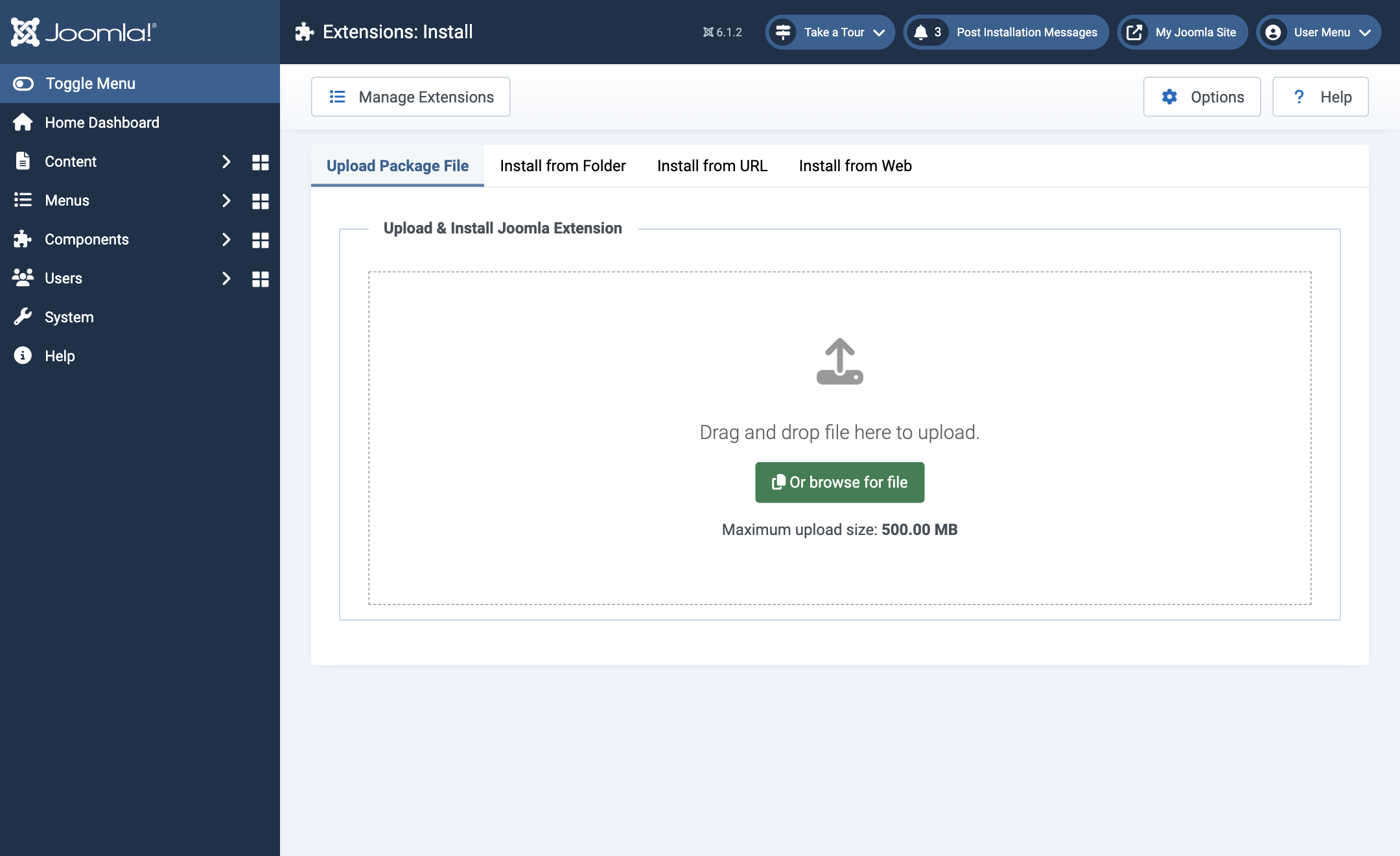
The package installs the AutoPilot component and the Task - AutoPilot plugin, which runs the scheduled work.
What the installer sets up for you
- The Task - AutoPilot plugin is enabled.
- The two scheduled tasks are created under System → Scheduled Tasks (see The scheduled tasks).
- If Joomla's own System - Schedule Runner plugin was switched off, the installer switches it on and tells you so. Joomla cannot run any scheduled task without it.
- If Joomla's Lazy Scheduler is switched off, the installer leaves it alone and shows a warning with a link to the setting. Sites that turn it off usually run a server cron job instead.
- Auto-update is off for every extension. Nothing updates itself until you turn it on.
These steps run on a new installation. When you install a newer version over an existing one, your settings and tasks are left as they were.