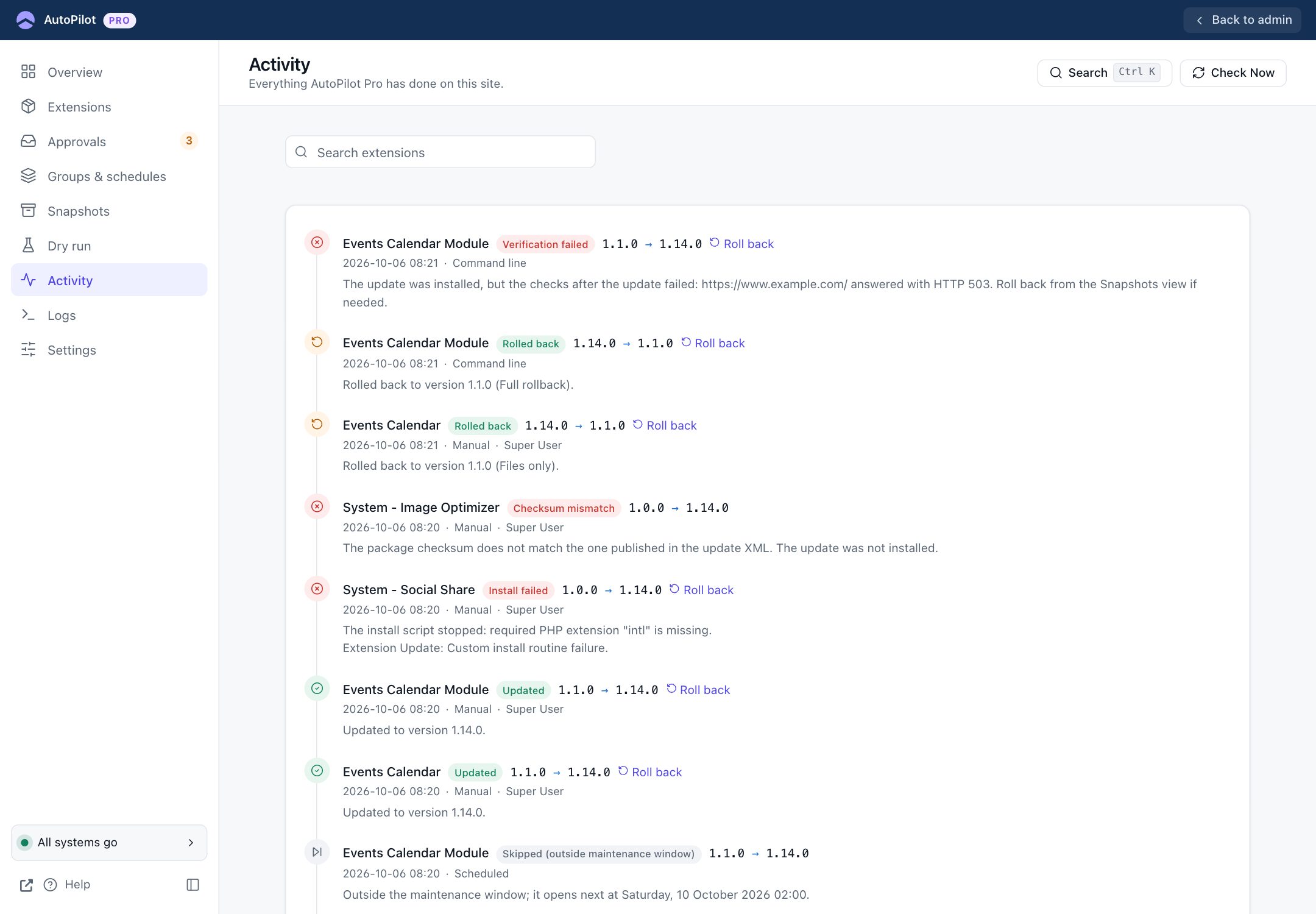
Activity
Sidebar → Activity. Everything AutoPilot Pro has done on this site, newest first.
Sidebar → Activity. Everything AutoPilot Pro has done on this site, newest first.
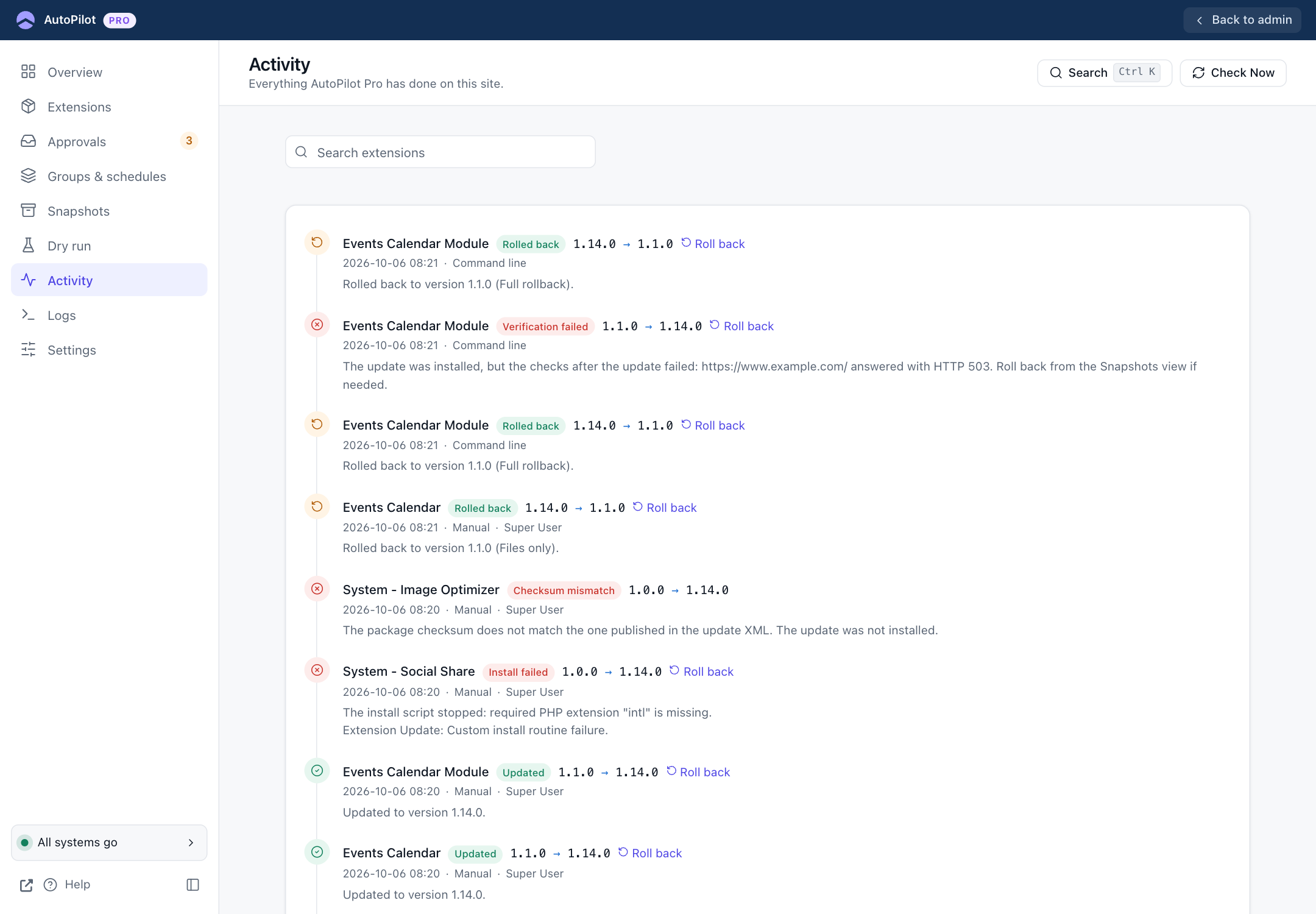
Each entry shows:
- the extension and the result, for example Updated, Rolled back, Install failed
- the version change
- a Roll back link, when a snapshot for this update still exists
- the time, how it was started (Scheduled, Manual, Command line, Recovery script) and, for manual actions, who did it
- the message: what happened, in a sentence
The Search box searches the extension name, the technical name and the message. From the Extensions screen, ⋯ → History opens this list for one extension. A "Showing: …" chip above the list tells you it is filtered; Show all next to it returns to the full list. Opening Activity from the sidebar always shows everything.
At the bottom, Delete entries older than (days) and Purge remove old entries by hand. This needs Super User rights. Entries are also removed automatically after the number of days set in Settings → General → Keep History.
A failed check is recorded like this, with the reason and the rollback link: