

Settings: Verification Checks
The checks that run right after each update. All five are on by default. A failed check marks the update as Verification failed, sends the Update Failed email and turns the Overview red.
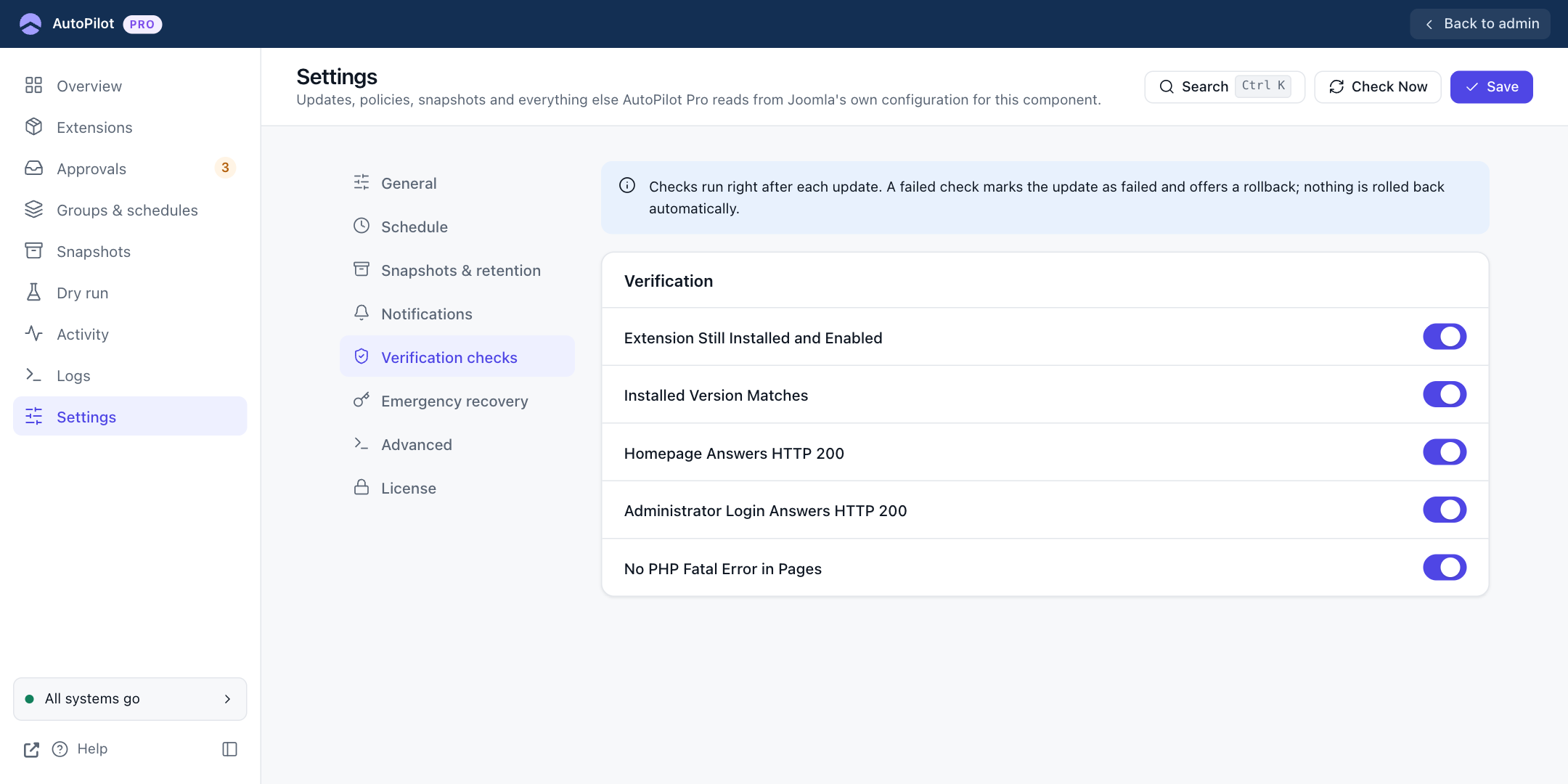
The checks that run right after each update. All five are on by default.
| Check | What it tests |
|---|---|
| Extension Still Installed and Enabled | The update did not remove or disable the extension. An extension you had disabled yourself before the update is not reported. |
| Installed Version Matches | The installed version is the one the update announced. |
| Homepage Answers HTTP 200 | Your site's homepage loads. |
| Administrator Login Answers HTTP 200 | The administrator login page loads. |
| No PHP Fatal Error in Pages | Neither of those two pages contains a PHP fatal error. |
A failed check marks the update as Verification failed, sends the Update Failed email and turns the Overview red. Nothing is rolled back automatically.
When updates are started from the command line (a cron job running scheduler:run), AutoPilot waits a few seconds before the two page checks. The web server needs that long to load the updated files, and a check made earlier would still see the old ones.
Turn off the two page checks if your site is not reachable from its own server, for example behind HTTP authentication or in maintenance mode. They would fail for a reason that has nothing to do with the update.