

Permissions
AutoPilot Pro has its own permissions, so you can let a colleague approve updates without giving them the whole configuration.
AutoPilot Pro has its own permissions, so you can let a colleague approve updates without giving them the whole configuration. Set them where Joomla keeps all permissions: System → Global Configuration → AutoPilot Pro → Permissions.
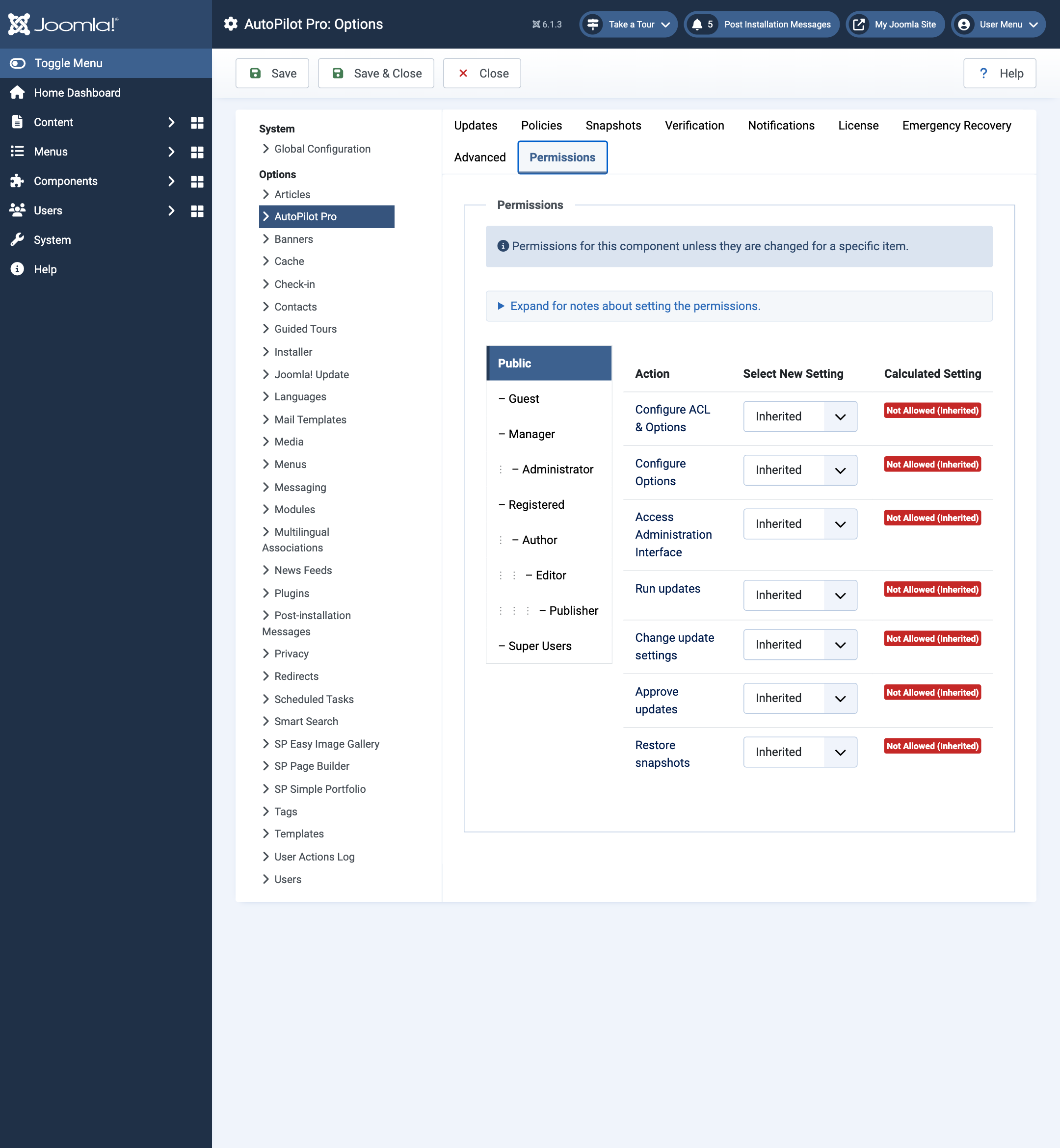
| Permission | Allows |
|---|---|
| Access Administration Interface | Opening AutoPilot: Overview, Extensions, Snapshots, Dry run, Activity and Logs. Using Check Now. |
| Run updates | Updating by hand: Update, Update All, Update all now. |
| Change update settings | The auto-update switches, extension settings, and groups & schedules. |
| Approve updates | Approving and rejecting on the Approvals screen. |
| Restore snapshots | Rolling back, deleting snapshots, dismissing a failed-check warning. |
| Configure Options | Opening and saving the Settings screen. |
| Configure ACL & Options | Everything above, and: purging history and logs, recreating tasks, releasing a stuck lock, creating a recovery key, downloading snapshot archives. Super Users have this. |
Buttons a user may not use are not shown to them.