

Approvals
Sidebar → Approvals. Some updates should not install without a person looking first. When Require Approval applies to an extension, its automatic updates wait here.
Sidebar → Approvals. Some updates should not install without a person looking first. When Require Approval applies to an extension, its automatic updates wait here.
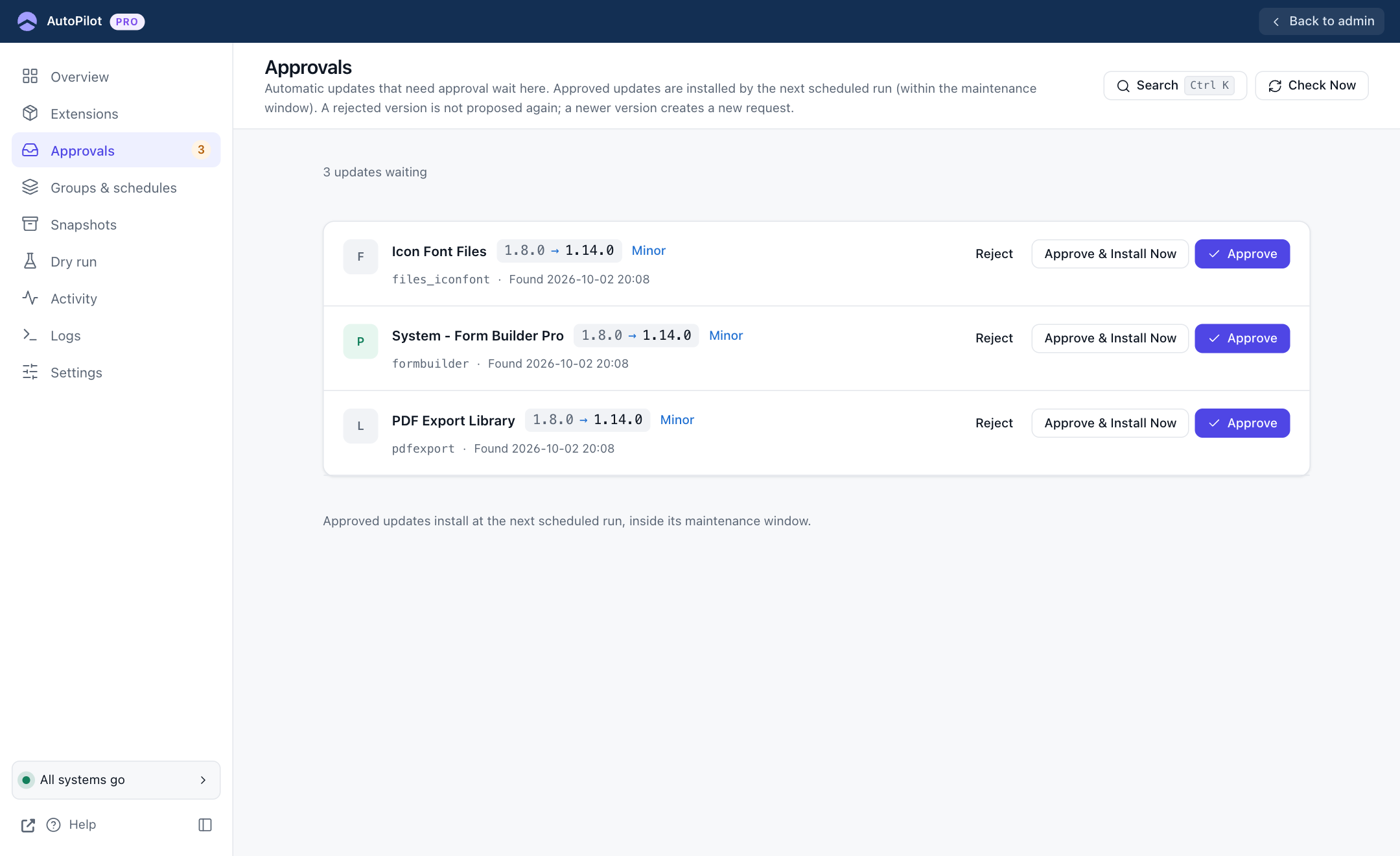
Each waiting update shows the extension, the version change, how big the jump is (Patch, Minor or Major), and when AutoPilot first found it. You have three buttons:
| Button | What happens |
|---|---|
| Approve | The update is released. The next scheduled run installs it, inside the maintenance window if one applies. |
| Approve & Install Now | The update is installed immediately, without waiting for the schedule or the window. |
| Reject | This version is never proposed again. When the developer releases a newer version, a new request appears. |
The sidebar shows the number of waiting updates, the Overview lists them under "Needs your attention", and AutoPilot sends an Approval Needed email when new ones arrive.
Approval can be required in three places. The most specific one wins:
- for one extension: Extensions → ⋯ → Extension settings → Require Approval
- for a group: Groups & schedules → Edit → Require Approval
- for everything: Settings → Schedule → Require Approval
If you install an extension's update by hand while a request is waiting, the request is closed automatically.